Navigating the vast world of gaming hardware can feel like a boss battle itself, especially when you are seeking the ideal monitor and desktop bundle. This comprehensive guide cuts through the noise, offering actionable insights for US gamers balancing intense gaming sessions with demanding careers and family life. Discover how to identify bundles that deliver peak performance for your favorite titles, ensure smooth multitasking, and provide exceptional value without breaking the bank. From understanding refresh rates and GPU compatibility to optimizing your setup for popular social games and the latest AAA releases, we cover everything you need to make an informed decision. Learn to upgrade smart, play harder, and maintain that crucial life-game balance. We tackle common pain points like complex setups, performance bottlenecks, and budget-friendly upgrades, ensuring you get a robust system that truly enhances your digital life.
What's the real advantage of getting a monitor and desktop bundle for gaming?
The biggest win with a gaming monitor and desktop bundle is the synergy and savings. Instead of piecing together components and worrying if your GPU will bottleneck your monitor, bundles are designed to work harmoniously right out of the box. This means optimized performance without the guesswork, ensuring you are getting the most frames per second your system can push to your display. Plus, retailers often offer these integrated packages at a lower combined price than buying each piece separately, freeing up your budget for more games or premium peripherals. It is a smart move for busy gamers who want a high-performance setup without the research headache.
How do I know if a specific gaming bundle is powerful enough for new games in 2026?
To gauge a bundle's future readiness for 2026's titles, focus on its core specs: GPU, CPU, and RAM. For the GPU, look for current-gen cards like an NVIDIA RTX 40-series or AMD Radeon RX 7000-series with at least 12GB of VRAM for comfortable 1440p gaming, or 16GB+ for 4K. The CPU should be a modern Intel i5/i7 (13th/14th Gen) or AMD Ryzen 5/7 (7000/8000 series) with ample cores. 16GB of DDR4 RAM is the minimum, but 32GB of DDR5 RAM is becoming the sweet spot for demanding games and multitasking. Check benchmarks of the specific GPU and CPU combination running popular AAA titles from the last year; if they perform well, the bundle has a good chance of handling upcoming games.
Are pre-built gaming monitor and desktop bundles customizable, or am I stuck with what's offered?
While pre-built gaming monitor and desktop bundles come as a complete package, they are often more customizable than you might think, especially from larger system integrators. Many reputable brands allow you to tweak specific components like RAM capacity, storage drives (adding a larger SSD or HDD), or even stepping up the CPU or GPU within a predefined range. The chassis, motherboard, and power supply are usually fixed, but critical performance parts often have upgrade options during purchase. Post-purchase, you can almost always upgrade RAM and storage, and often the GPU, as long as the power supply and case size allow. Always check the specific bundle's configurator or product details for upgrade flexibility.
What kind of monitor should I expect in a gaming desktop bundle: refresh rate, resolution, panel type?
In a gaming desktop bundle, you should expect a monitor designed for gaming performance. This typically means a high refresh rate of at least 144Hz, which provides much smoother visuals than standard 60Hz displays, crucial for fast-paced games. A low response time, usually 1ms GTG, is also common to minimize motion blur. Resolution will vary; 1080p is standard for entry-level bundles, while mid-to-high-tier bundles often include 1440p monitors, offering a great balance of clarity and performance. Panel types are usually TN (fastest, less color accurate), VA (good contrast, decent speed, often curved), or IPS (best colors, wider viewing angles, good speed). Look for Adaptive Sync (FreeSync or G-Sync compatible) for tear-free gaming.
How do monitor and desktop bundles help with common gaming issues like lag or stuttering?
Monitor and desktop bundles are specifically designed to minimize common gaming issues like lag and stuttering by ensuring component harmony. When a desktop PC and monitor are bundled, they are chosen to be compatible, preventing performance bottlenecks where one component outpaces another. For instance, a powerful GPU is paired with a high refresh rate monitor, allowing the frames produced by the GPU to be fully displayed without delay. Adaptive Sync technologies (like G-Sync or FreeSync), often included in bundled monitors, eliminate screen tearing and further reduce stuttering by synchronizing the monitor's refresh rate with the GPU's output, creating a fluid and responsive gaming experience.
Is a gaming monitor and desktop bundle a good investment for someone balancing work, family, and gaming?
Yes, absolutely. For busy individuals balancing work, family, and a passion for gaming, a gaming monitor and desktop bundle is an excellent investment. It saves precious time on research and ensures compatibility right out of the box, meaning less setup hassle and more immediate playtime. These bundles often provide better value, stretching your budget further. The cohesive performance ensures a smooth, reliable experience, allowing you to maximize those limited gaming hours for relaxation, skill-building, or social connection without frustrating technical glitches. It is a streamlined path to a high-quality gaming experience that fits seamlessly into a demanding lifestyle.
What kind of warranty and support should I look for with a bundled gaming setup?
When investing in a bundled gaming setup, a strong warranty and reliable support are crucial. Look for manufacturers or retailers that offer at least a one-year warranty covering both parts and labor for the entire bundle, not just individual components. Some premium brands might offer longer warranties or optional extended coverage. Good customer support should include accessible channels like phone, email, and live chat, with knowledgeable staff who understand gaming hardware. Check for return policies and technical support services, especially if you anticipate needing help with initial setup or troubleshooting. Reputable companies provide clear warranty terms and responsive assistance for peace of mind.
Hey fellow gamers! Ever felt like your current setup just cannot keep up with the action, or maybe you are stuck sifting through endless tech specs trying to figure out what actually matters? You are not alone. Many of us, averaging around 36 years old, juggle demanding jobs and family life while still craving that sweet escape into our favorite digital worlds. We want performance, fun, and value, but who has hours to research every single component? This is where a well-chosen monitor and desktop bundle becomes your ultimate cheat code. It is about getting a perfectly matched system that runs your games flawlessly, streamlines your workflow, and saves you the headache of compatibility issues. In this guide, we are diving deep into how to pick the perfect monitor and desktop bundle, ensuring you spend less time troubleshooting and more time conquering virtual realms or simply unwinding with friends in a cozy co-op.
Gaming is not just a hobby; it is a vital part of relaxation and social connection for 87% of US gamers who play regularly, often dedicating 10+ hours a week. With mobile gaming still dominating numbers but PC and console gaming holding strong for immersive experiences, finding a setup that caters to all your needs from intense esports titles to casual social games is key. We understand you value skill-building, social play, and performance, all while keeping an eye on your budget and avoiding unnecessary hype. Let us cut through the noise and get you set up for success, whether you are building a new fortress or upgrading your current one.
Why consider a Monitor and Desktop Bundle instead of buying separately?
Opting for a monitor and desktop bundle often presents significant advantages, especially for busy gamers who prioritize convenience and value. The primary benefit is cost savings; retailers frequently offer discounts when you purchase essential hardware together, which can be a real boon when you are managing a household budget. Beyond the financial aspect, bundles eliminate the headache of compatibility issues. The components are typically pre-selected by experts to work seamlessly together, ensuring your CPU, GPU, and monitor are all in sync to deliver optimal performance without bottlenecks.
Furthermore, bundles simplify the purchasing process. Instead of researching individual specs for graphics cards, processors, RAM, monitor refresh rates, and response times, you get a cohesive system ready to go. This means less time spent cross-referencing specifications and more time actually playing. For gamers balancing work and family, this efficiency is invaluable, allowing them to quickly get back to what they love whether it is diving into a new AAA title or catching up with friends in an online multiplayer session. This month, bundles are increasingly featuring optimized power delivery and cooling solutions, providing peace of mind.
What key components should I look for in a gaming monitor and desktop bundle?
When evaluating a gaming monitor and desktop bundle, several core components demand your attention to ensure a smooth, enjoyable experience. First and foremost, the Graphics Processing Unit (GPU) is the heart of your gaming rig; aim for a current-generation card like an NVIDIA RTX 40-series or AMD Radeon RX 7000-series for optimal performance in modern titles. Pair this with a capable Central Processing Unit (CPU) from Intel (i5/i7/i9 13th/14th Gen) or AMD (Ryzen 5/7/9 7000/8000 series) to prevent bottlenecks.
RAM is crucial for multitasking and game loading; 16GB is a solid baseline, but 32GB is becoming the sweet spot for future-proofing and demanding games. For storage, prioritize an NVMe SSD (1TB minimum) for lightning-fast boot times and game loads, possibly complemented by a larger HDD for less frequently accessed files. The monitor itself should have a high refresh rate (144Hz or more) for fluid motion and a low response time (1ms GTG) to minimize ghosting. Consider resolution (1080p, 1440p, or 4K) based on your GPU's power and your budget. Lastly, do not overlook a reputable power supply unit (PSU) with sufficient wattage to handle all components and potential future upgrades.
How do I balance performance and budget when choosing a bundle?
Balancing performance and budget in a monitor and desktop bundle involves strategic prioritization. Start by defining your primary gaming resolution and target frame rate. If you are happy with 1080p gaming at 144Hz, you can save significantly compared to aiming for 4K at 144Hz. For most gamers, especially those focused on competitive titles or who enjoy a variety of games, a 1440p resolution at 144Hz offers an excellent sweet spot between visual fidelity and performance without breaking the bank. This typically allows for a mid-range GPU like an RTX 4060 Ti or RX 7700 XT to shine.
Next, consider where you can make smart compromises. Sometimes, choosing a slightly older generation CPU can free up funds for a better GPU or a larger SSD, which often has a more direct impact on gaming. Look for bundles with at least 16GB of RAM; upgrading to 32GB later is usually straightforward and relatively inexpensive if needed. Always compare bundles from different retailers and during sales events, as prices fluctuate, and substantial savings can be found. Remember, the goal is 'value for money' a setup that delivers the experience you want today, with enough headroom for the next few years, without overspending on features you will not fully utilize. This aligns with the average gamer's preference for smart investments.
What display features are essential for competitive and casual gamers in a bundled monitor?
For competitive gamers, a monitor's refresh rate and response time are paramount. Aim for a refresh rate of 144Hz or higher (240Hz is ideal for esports) to ensure buttery-smooth motion, giving you a competitive edge. A 1ms GTG (Gray-to-Gray) response time is crucial to eliminate ghosting and motion blur, allowing for clearer target acquisition. Adaptive Sync technologies like NVIDIA G-Sync or AMD FreeSync are also essential, as they synchronize the monitor's refresh rate with your GPU's frame output, eliminating screen tearing and stutter for a fluid experience.
Casual gamers and those who enjoy story-driven or social games might prioritize different aspects. While a decent refresh rate (75Hz-120Hz) is still beneficial, they might value higher resolutions (1440p or 4K) for more immersive visuals, better color accuracy (IPS panels excel here), and larger screen sizes. HDR (High Dynamic Range) support can also dramatically enhance visual fidelity, making games look more vibrant and lifelike. Consider ergonomic adjustments like height, tilt, and swivel to ensure comfort during long play sessions, especially if your setup doubles as a work station. Many bundles offer a good compromise, providing respectable refresh rates with solid color reproduction and eye-care features.
How important is future-proofing my monitor and desktop bundle in 2026?
Future-proofing your monitor and desktop bundle in 2026 is less about buying the absolute bleeding edge and more about making smart, informed choices that extend your setup's longevity. Rapid technological advancements mean that 'future-proof' in the absolute sense is a myth, but you can certainly make choices that delay obsolescence. Focus on components that offer significant upgrades over current minimums. For instance, selecting a GPU with ample VRAM (12GB+ for 1440p, 16GB+ for 4K) is crucial, as modern games are increasingly VRAM-hungry.
Similarly, a CPU with a good core count (6-8 cores) and strong single-core performance will handle upcoming titles well. Ensuring your motherboard supports PCIe Gen 5 for future SSDs and GPUs, along with DDR5 RAM, will also provide a longer upgrade path. For the monitor, a higher resolution (1440p or 4K) combined with a high refresh rate (144Hz+) and adaptive sync will remain relevant for years. While you do not need to empty your wallet on the absolute top-tier components, avoiding minimum specifications for key parts will help your bundle stay competitive and enjoyable for the next 3-5 years without immediate pressure to upgrade, especially considering the average gamer's desire for value.
Can a monitor and desktop bundle support both intense gaming and productivity tasks?
Absolutely! A well-chosen monitor and desktop bundle can be a powerhouse for both intense gaming and demanding productivity tasks. Many gamers, especially those around 36 balancing jobs and family, need a system that transitions seamlessly from raiding dungeons to crunching spreadsheets. The same high-performance components that make games run smoothly also excel in productivity applications. A powerful multi-core CPU, ample RAM (32GB is ideal for heavy multitasking and creative work), and a fast NVMe SSD will significantly boost performance in video editing, 3D rendering, programming, or graphic design software.
For the monitor, features important for gaming like high resolution and good color accuracy also benefit productivity. A 1440p or 4K monitor provides expansive screen real estate, allowing you to have multiple windows open side-by-side efficiently. If your bundle includes a GPU with multiple display outputs, consider adding a second monitor for an even more effective workspace. Many modern gaming monitors also come with features like USB-C connectivity or built-in KVM switches, simplifying cable management and allowing you to connect peripherals directly to the display, further enhancing your productivity setup. This versatility is a key selling point for many.
What are common setup challenges with new bundles and how can I avoid them?
Even with a perfectly matched monitor and desktop bundle, new setup challenges can crop up, though most are easily avoidable with a little foresight. A common issue is incorrect cable connections. Always ensure your display cable (DisplayPort is preferred for gaming, HDMI is also common) is plugged into your dedicated graphics card, not the motherboard's integrated graphics port. Double-check power cables for the monitor and PC, and ensure they are securely seated. For drivers, install the latest GPU drivers directly from NVIDIA or AMD's websites; relying solely on Windows Update is not always sufficient for optimal gaming performance.
Software conflicts or outdated operating systems can also cause hiccups. Ensure Windows is fully updated, and consider a fresh install if you are upgrading from a very old system. Performance issues might stem from incorrect monitor refresh rate settings always verify your display's refresh rate is set to its maximum in Windows display settings. Finally, managing cable clutter can be a real pain point. Plan your cable routing before tidying, using zip ties or Velcro straps to keep things neat. Taking a few extra minutes during initial setup can save hours of troubleshooting later, allowing you to jump into games faster and relieve stress.
Where can I find reputable reviews and comparisons for monitor and desktop bundles?
Finding trustworthy reviews and comparisons for monitor and desktop bundles is key to making an informed decision. Start with established tech review sites like PC Gamer, TechRadar, Tom's Hardware, and Gamers Nexus. These sites provide in-depth analyses, benchmark performance, and compare value across various configurations. YouTube channels from reputable tech reviewers like JayzTwoCents, Linus Tech Tips, and Hardware Unboxed offer fantastic visual breakdowns, real-world testing, and expert opinions that are often more engaging and easier to digest.
Beyond professional reviews, check user reviews on major retailer websites such as Amazon, Best Buy, and Newegg. While individual experiences vary, a high volume of positive reviews can indicate a reliable product. Community forums like Reddit's r/buildapc or r/gamingsuggestions are also great resources, where fellow gamers share their experiences, recommendations, and discuss common pain points. Remember to cross-reference information from several sources to get a comprehensive and balanced perspective, helping you avoid hype and focus on genuine performance and value. Look for discussions on social gaming trends and how specific bundles perform in popular titles this month.
What are the best practices for maintaining my new monitor and desktop bundle for longevity?
Maintaining your new monitor and desktop bundle is crucial for ensuring its longevity and consistent performance. Regular cleaning is a must; dust is the enemy of electronics. Use compressed air to clear dust from your PC's fans, heatsinks, and vents every 3-6 months. Keep your monitor screen clean with a microfiber cloth and a specialized screen cleaner, never harsh chemicals. Ensure good airflow around your PC by keeping it off carpeted floors and not placing it in enclosed spaces.
Software maintenance is equally important. Keep your operating system and all drivers (especially GPU drivers) up to date. Regularly scan for malware and viruses. Periodically defragment traditional hard drives (though not necessary for SSDs) and run disk cleanup to remove unnecessary files. Monitor your system temperatures using software like HWMonitor during heavy gaming sessions; excessive heat is a primary cause of component degradation. Finally, invest in a good surge protector to shield your entire setup from power fluctuations, providing peace of mind during unexpected power outages or storms. These simple steps will keep your bundle running optimally for years.
Conclusion:
Choosing the right monitor and desktop bundle does not have to be an overwhelming quest. By focusing on your gaming needs, understanding key components, and balancing performance with budget, you can assemble a setup that elevates your experience without adding unnecessary stress to your busy life. Remember, the goal is to find a system that lets you unwind, connect with friends, and enjoy your passion for gaming to the fullest, whether you are tackling the latest AAA epic or exploring cozy indie titles. A well-informed decision now means more fun and less frustration down the line.
What is your biggest gaming challenge with your current setup? Comment below and let us help each other out!
FAQ Section:
Can I upgrade components in a pre-built gaming bundle later?
Yes, most pre-built gaming bundles allow for component upgrades. Common upgrades include adding more RAM, swapping out the GPU, or expanding storage with additional SSDs or HDDs. Always check your motherboard's specifications and case clearance before purchasing new parts to ensure compatibility.
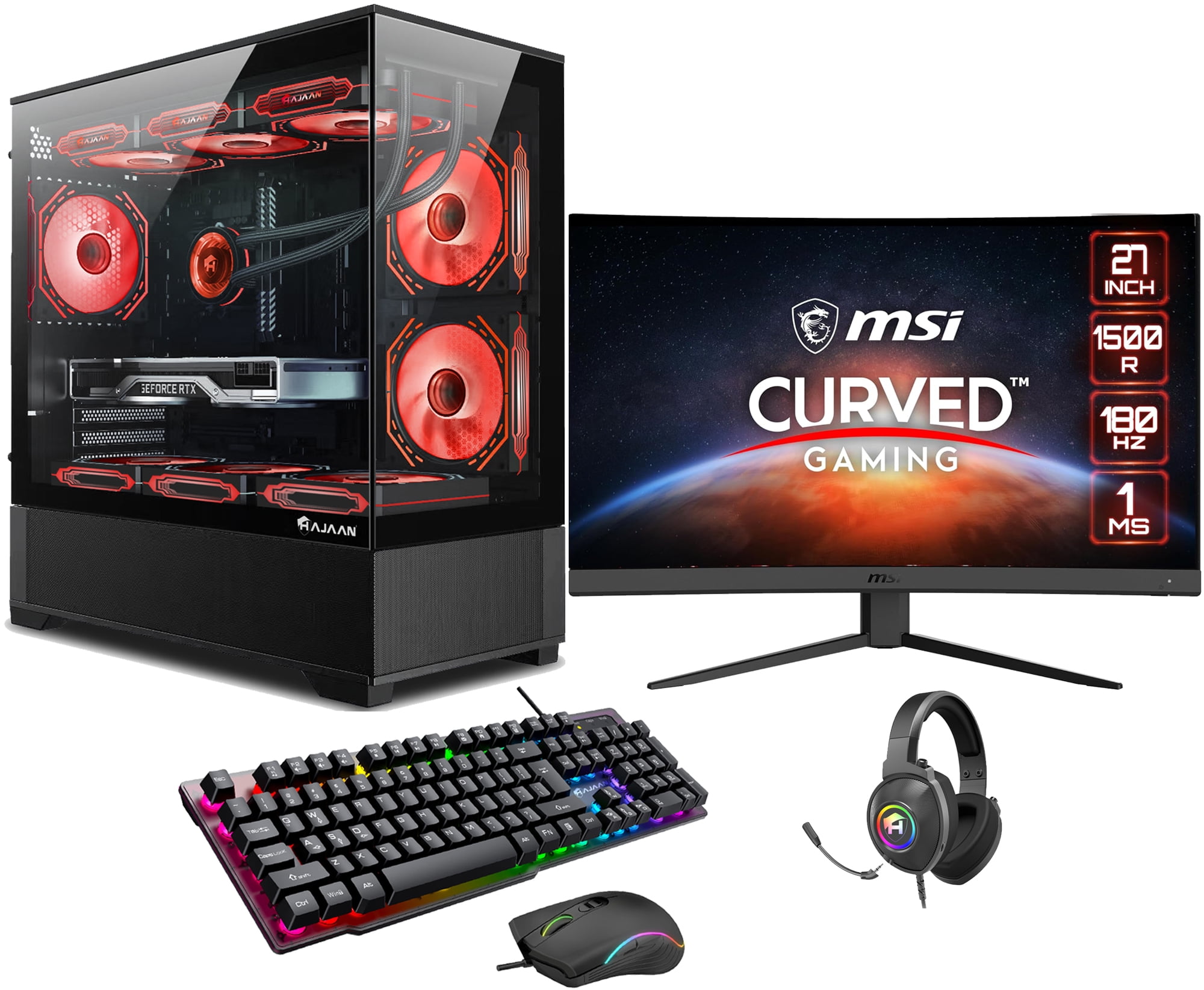
Is a curved monitor worth it for a gaming bundle?
For immersive gaming, especially in single-player or simulation titles, a curved monitor can enhance the experience by wrapping the visuals around your field of view. For competitive esports, a flat panel is often preferred for accuracy. It comes down to personal preference and your primary game genres, but many find curves more engaging for relaxation.
What resolution is best for a gaming monitor desktop bundle?
The 'best' resolution depends on your budget and GPU power. 1080p is great for high frame rates and budget-friendly setups. 1440p offers a fantastic balance of visual clarity and performance, making it a popular choice for many. 4K delivers stunning visuals but requires a top-tier GPU and significantly more budget, targeting visual fidelity over ultra-high framerates.
How often should I update my GPU drivers in a gaming bundle?
You should aim to update your GPU drivers roughly once a month, or whenever a major new game is released that includes specific driver optimizations. Staying updated ensures you have the latest performance enhancements, bug fixes, and compatibility for new titles, which is crucial for maintaining peak gaming performance.
Are monitor and desktop bundles generally cheaper than buying components separately?
Generally, yes. Retailers and manufacturers often offer bundles at a reduced price compared to purchasing the desktop PC and monitor individually. This is especially true during sales events, making bundles an attractive option for value-conscious gamers looking to maximize their budget without compromising on quality.
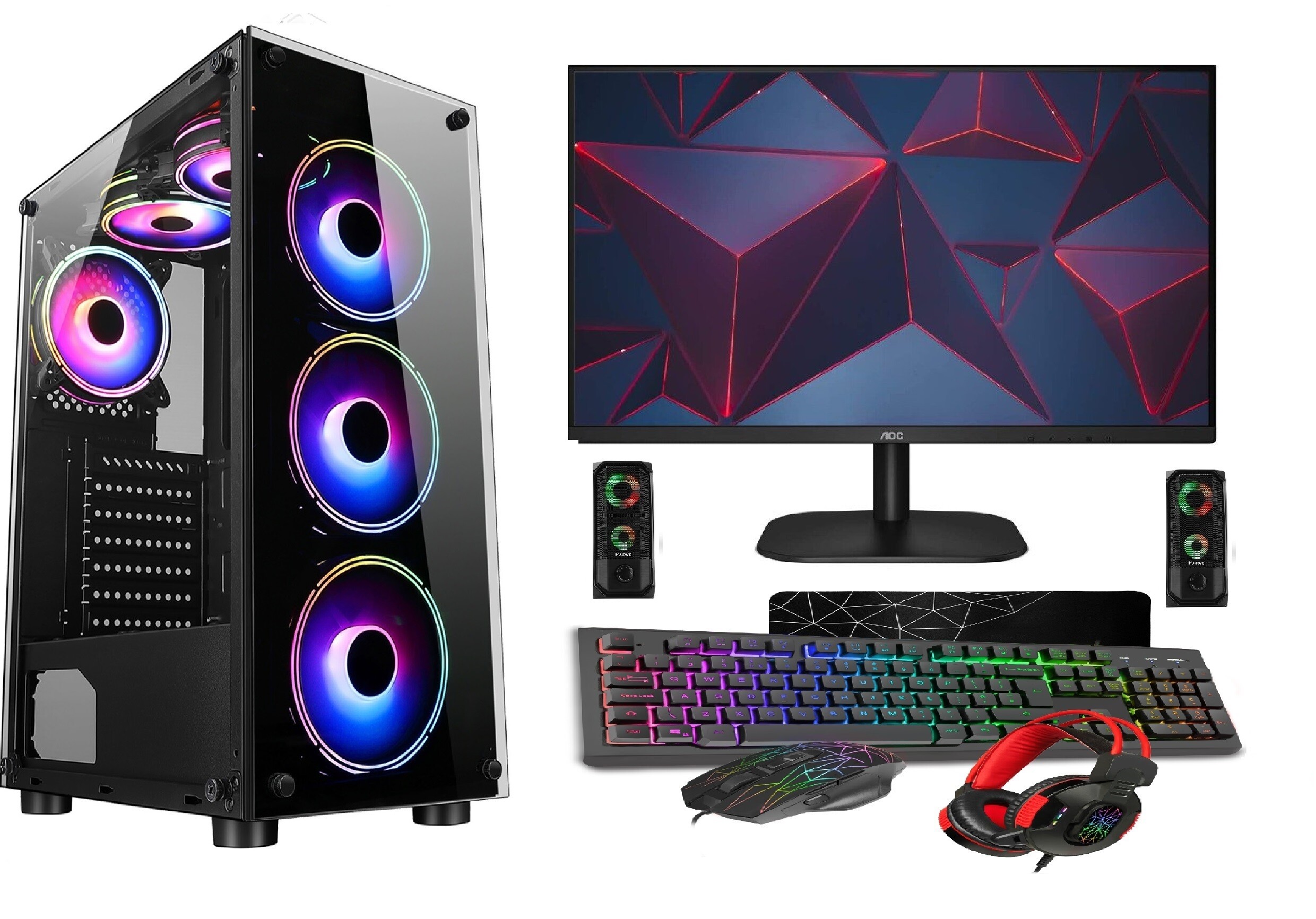
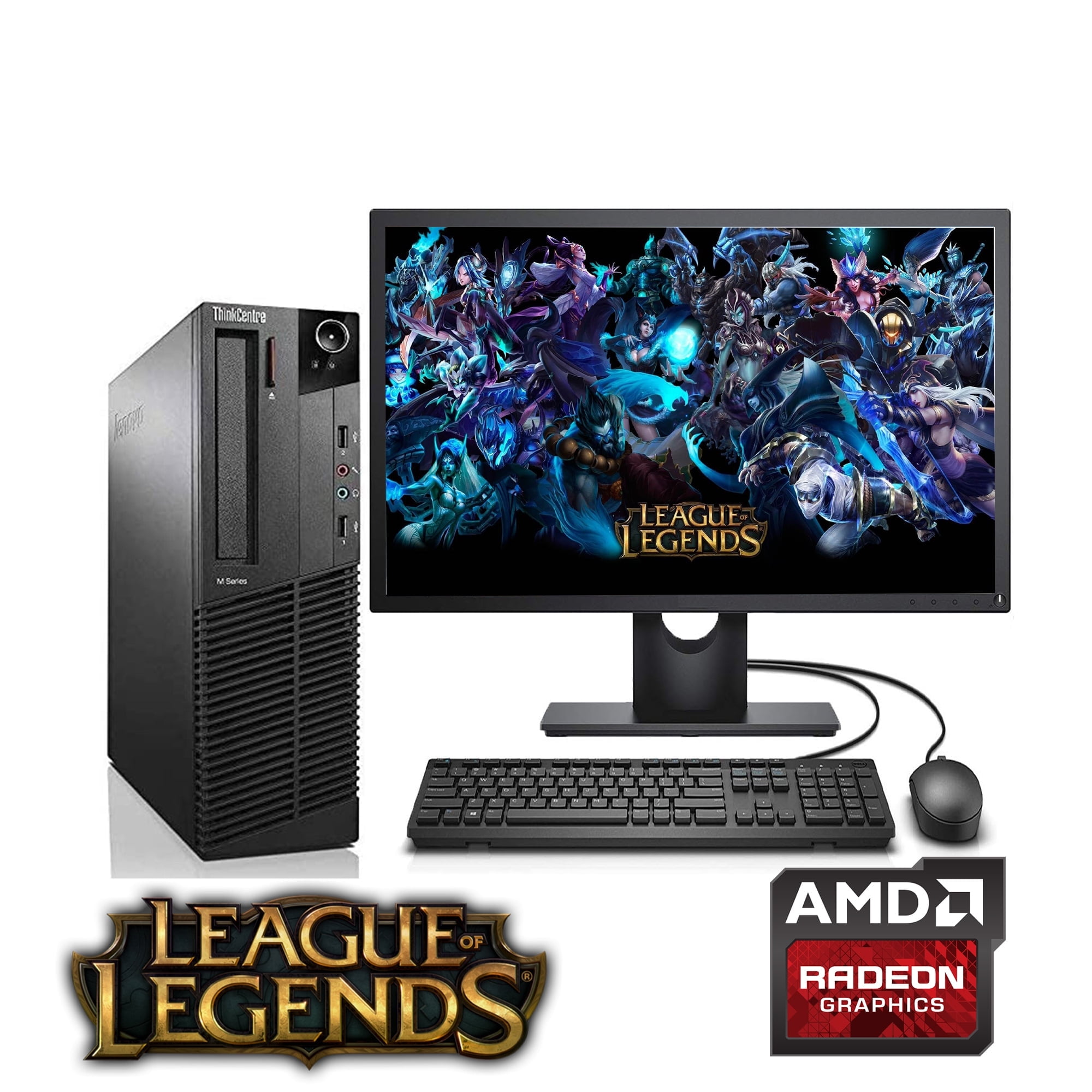
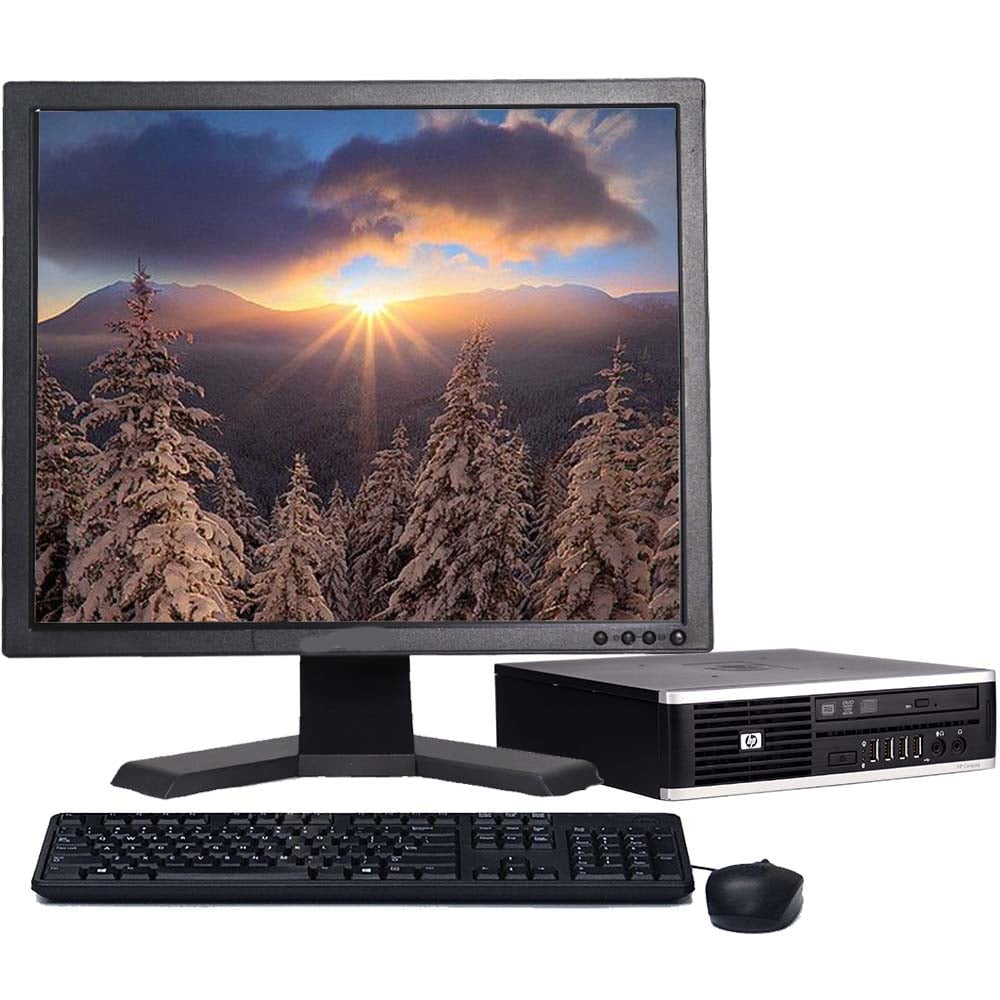
Do gaming bundles include peripherals like a keyboard and mouse?
Some entry-level or value-oriented gaming bundles may include a basic keyboard and mouse to get you started. However, higher-end gaming bundles typically focus on the PC and monitor, assuming gamers will invest in their preferred specialized gaming peripherals separately. Always check the bundle's detailed description for included accessories.
Value of bundles, performance optimization, budget-friendly choices, setup tips, balancing gaming and life, social gaming trends, latest hardware insights, future-proofing your setup, compatibility assurance, stress-free upgrading.
35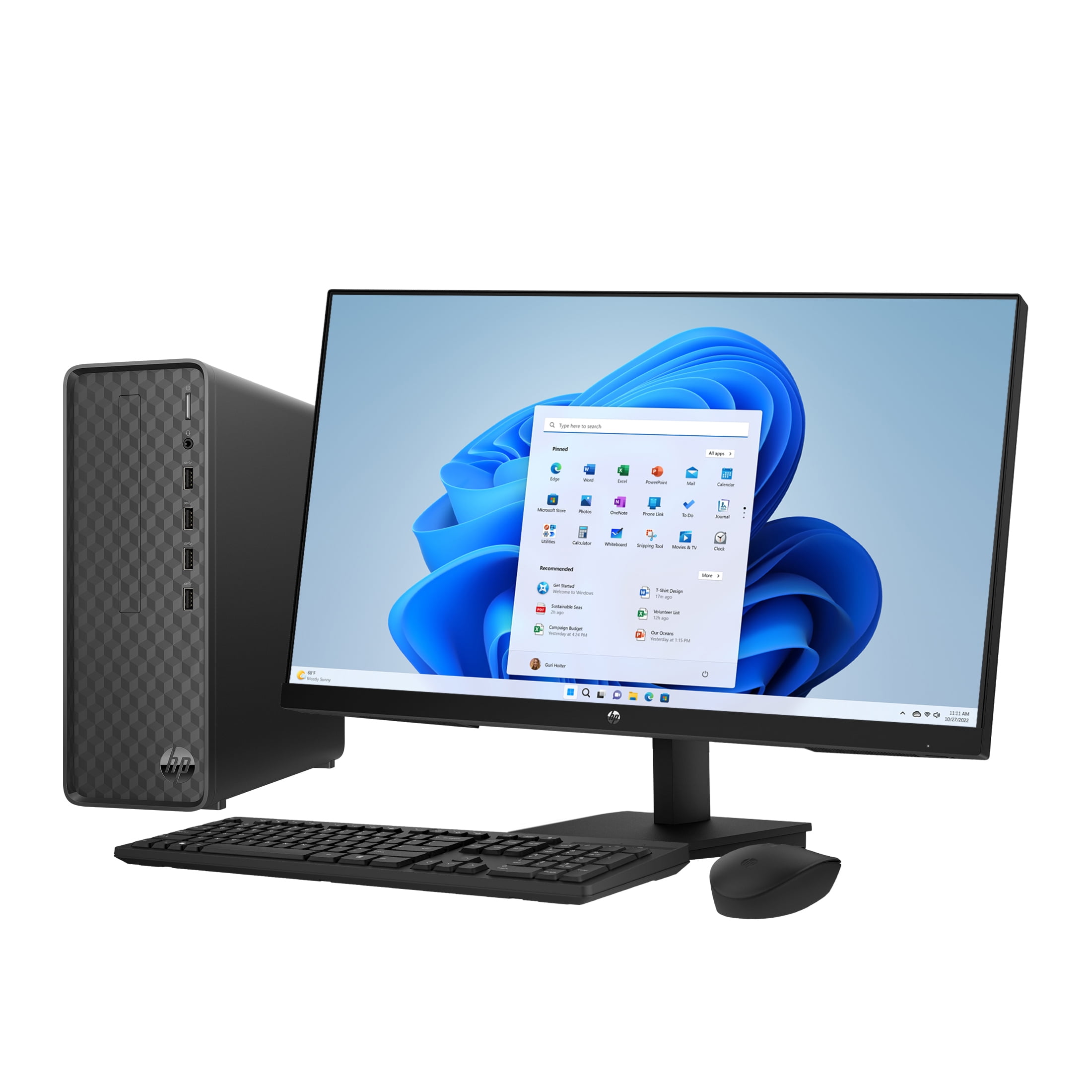

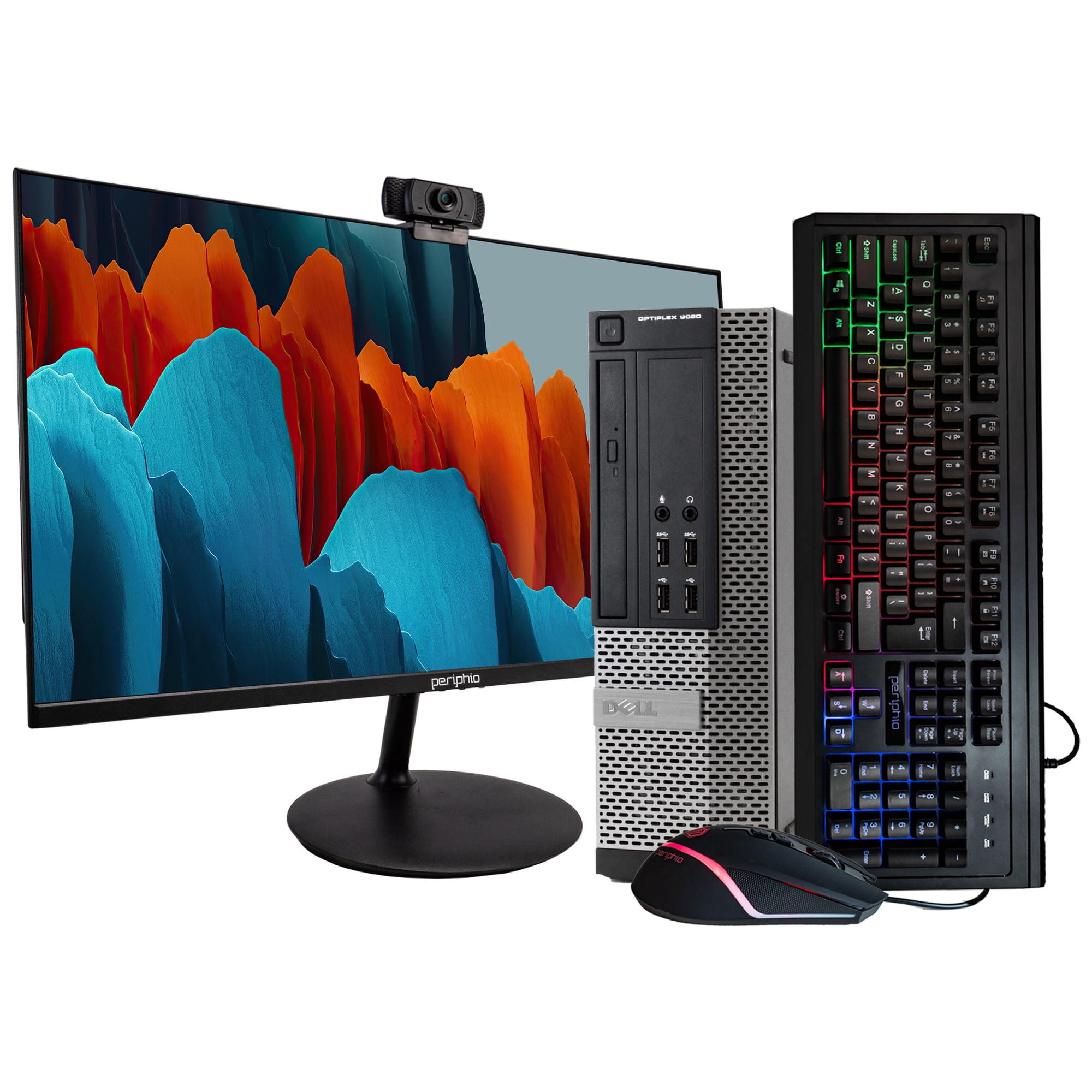
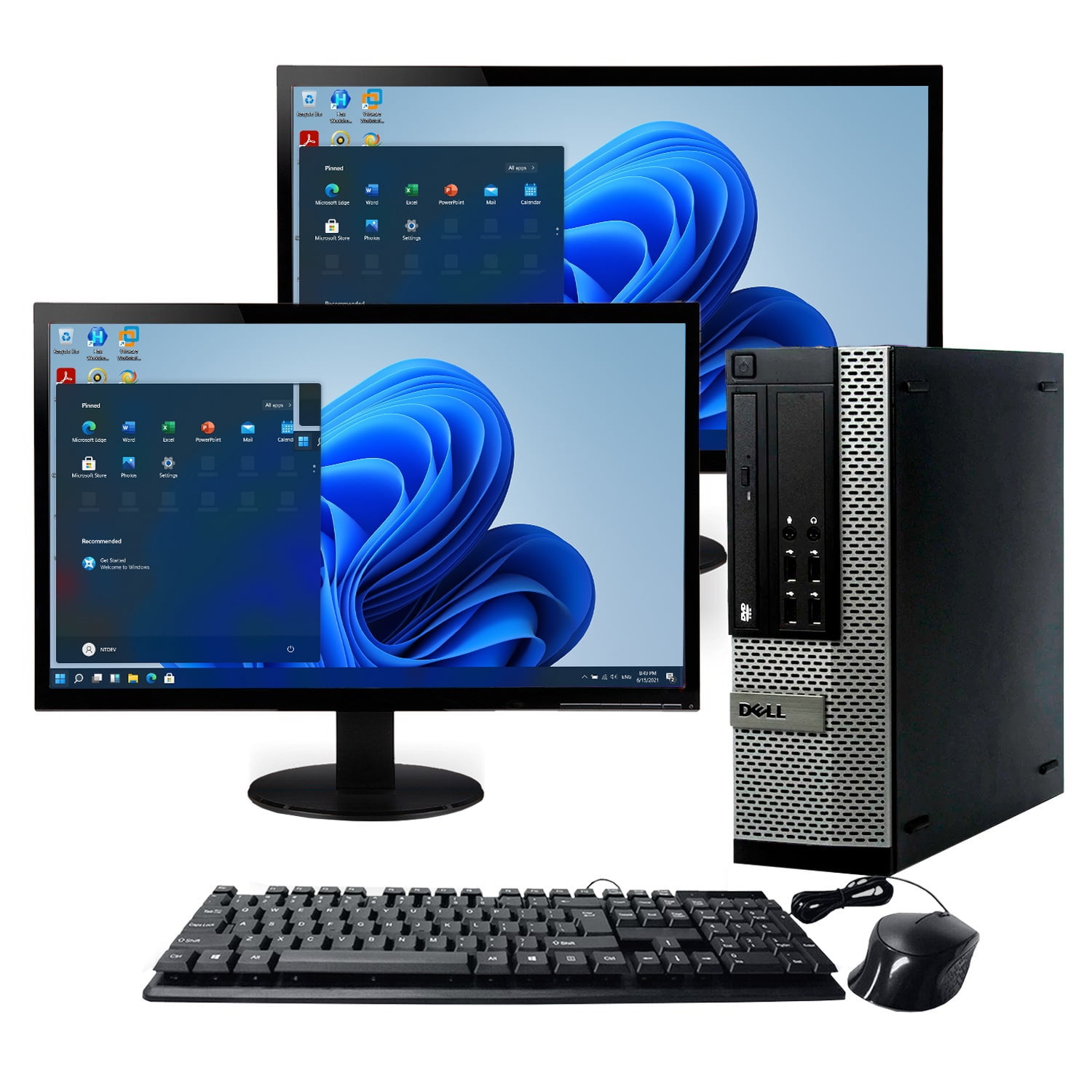

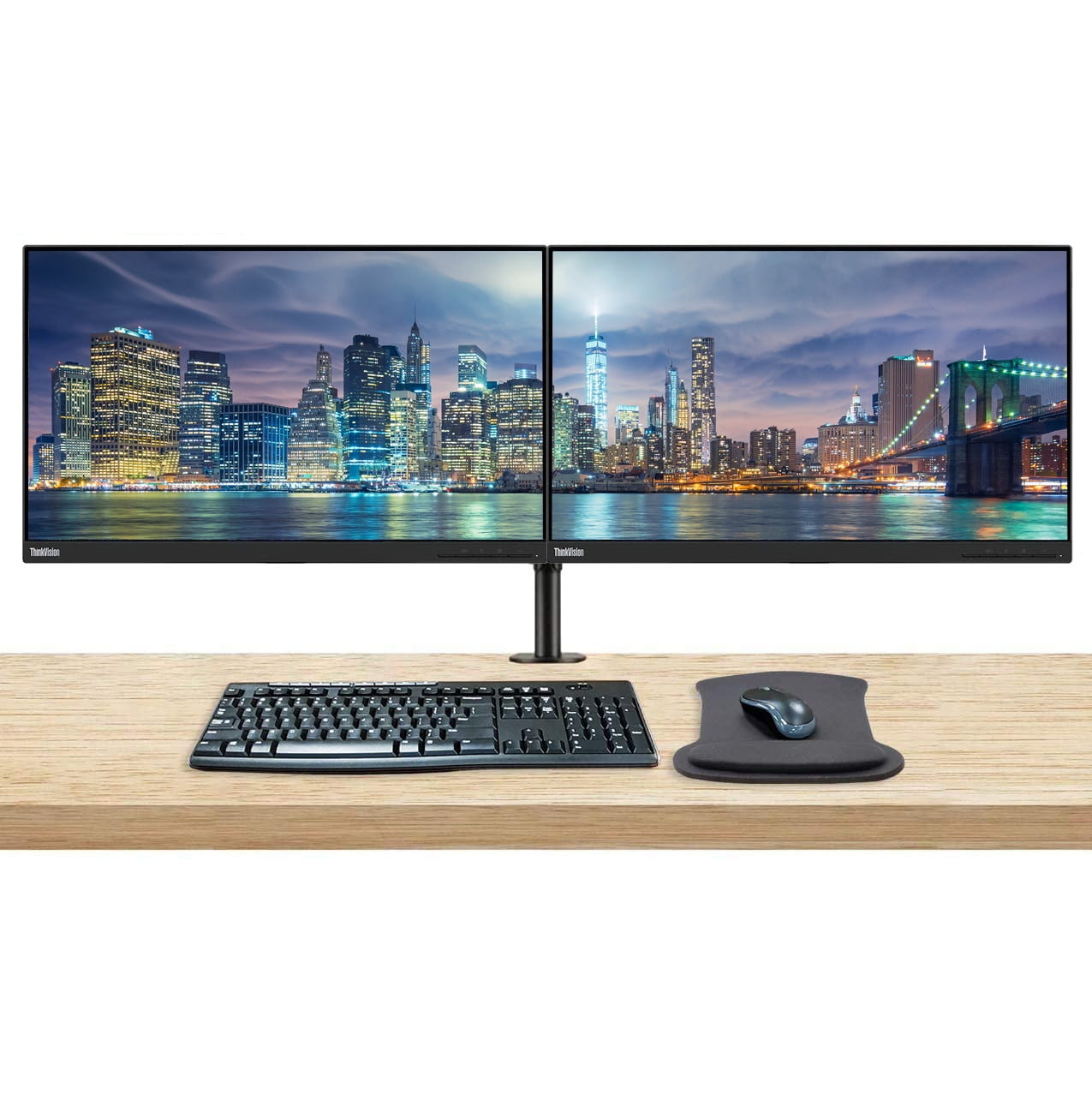
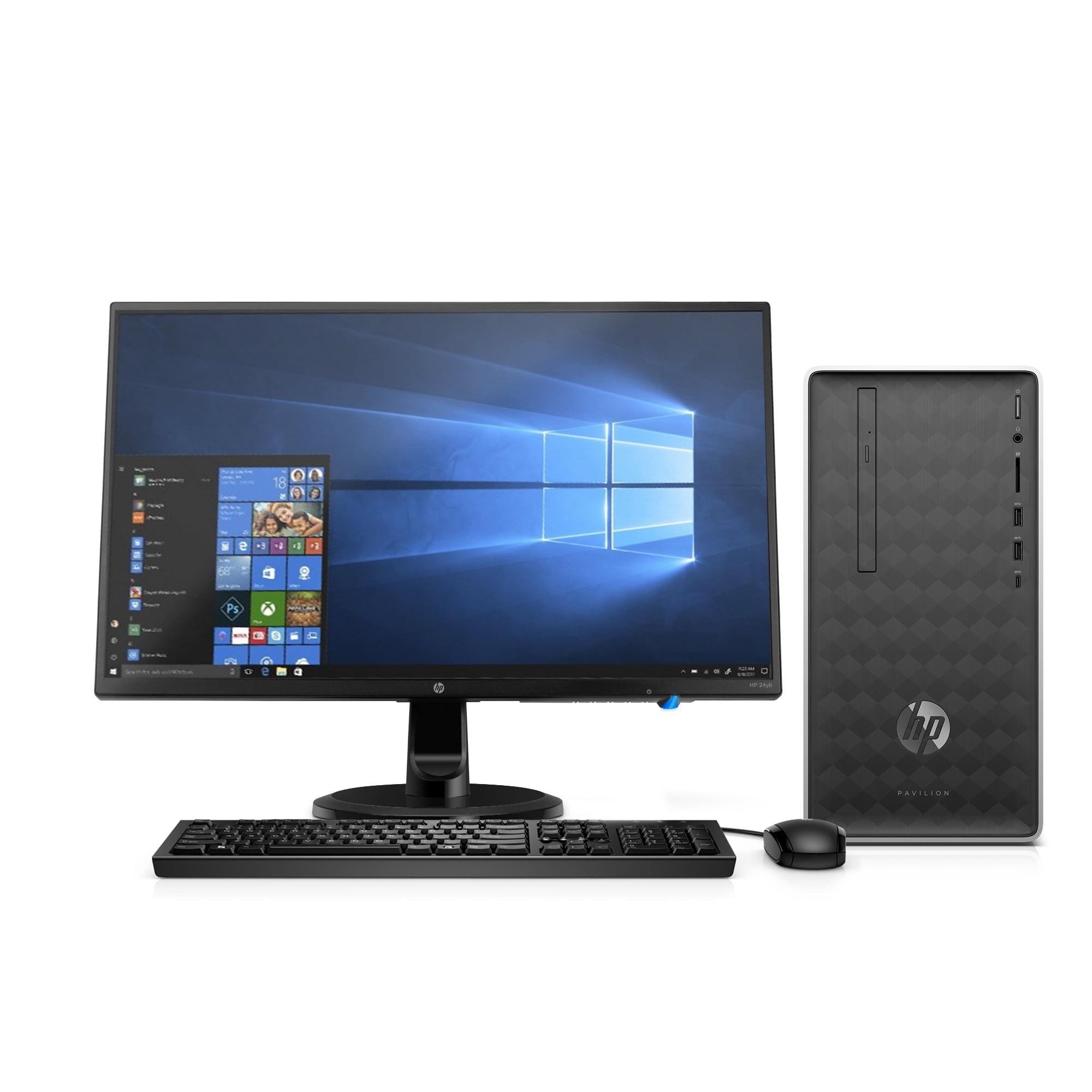
HP 27 Monitor Desktop Bundle Walmart Business Supplies HP 27 Inch Monitor Slim Windows Desktop Bundle Intel Core I3 12100 8GB RAM 512GB SSD Black Cf4453c2 D253 4a2e 89b9 . Dual Monitors Bundle For Sale At Thomas Shea Blog AC SL1500 . Gaming Pc Monitor Bundle Eb9e6c69 B6b0 48f8 9817 . Desktop Bundles Dell OptiPlex Desktop Computer Windows 11 Pro Intel Core I5 Processor 16GB RAM 1TB HDD Includes 19 Dual LCD Monitors Small Form Factor Black Grey 1d8e1c5a 0cc6 41ad Aa3f . Dell OptiPlex Desktop Computer With 24 Inch Monitor PC And Monitor 81x9 LaqL0L


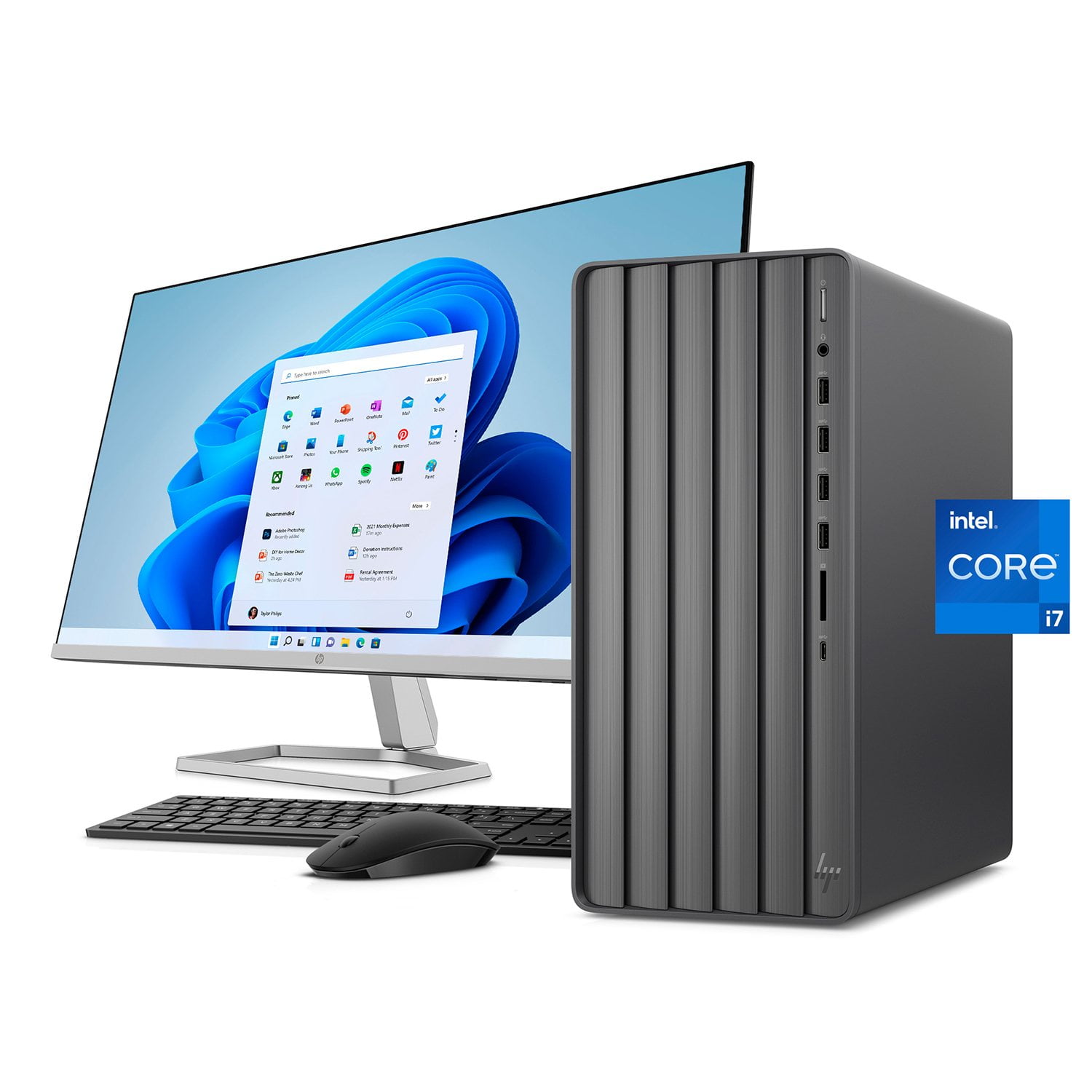

Amazon Com BTO RGB Gaming Desktop PC Bundle Intel Core I5 6th Gen AC . Amazon Com MTG Aurora 4C Gaming Tower PC Intel Core I7 4th Gen GTX 712qh0 5qCL. AC . 13 Best Dual Monitor Computer Bundles For Ultimate 71bJRlGy9YL . HP ENVY Desktop Bundle W 32 FHD Monitor Intel Core I7 12GB RAM C9c59eae B056 474f B24b . Why Buy Your Tech Separately This Bundle Pairs An HP Desktop And 2 LCD Hero Image.fit Lim.size



13 Best Dual Monitor Computer Bundles For Ultimate 71fHTw1ZsJL . Dual Monitor Bundle Hp At Spencer Ebert Blog 71YjkZDpF L. AC SL1500 . Gaming PC Bundle Intel Core I5 RTX 3050 6GB 16GB RAM 256GB SSD 1TB Gaming Pc Bundle Intel Core I5 Rtx 3050 6gb 16gb Ram 256gb Ssd1tb 22 Monitor Pc Bundle Speaker . Monitor Computer Combo At Julie Neel Blog 61Y 9R3uudL. AC SL1000 . Gaming Pc Monitor Bundle 0cbf2bab 4c0c 48fa A322

Best Gaming PC Deals 2026 Deals From Amazon Best Buy Newegg Dell . Gaming Pc Monitor Bundle Lenovo M92P Desktop Computer PC 19 Monitor Intel Quad Core I5 3 2GHz 8GB RAM 500GB HDD WiFi Windows 10 Pro AMD Radeon RX Graphics Card League Legends 1ce97207 Da21 41a4 B226 . Desktop Bundles Restored HP Desktop Computer Bundle Windows 10 Intel 2 13GHz Processor 4GB Ram 250GB Hard Drive 17 LCD Monitor Wifi Keyboard Mouse Refurbished E4f42d03 2114 48b3 8c4a . Dual Monitors Bundle 64ee7d9b 5e5c 45b4 Ba0f . HP Desktop And 23 8 Monitor Bundle AMD Ryzen 3 2200G AMD Radeon Vega 18fcc8af 1051 4d51 965e

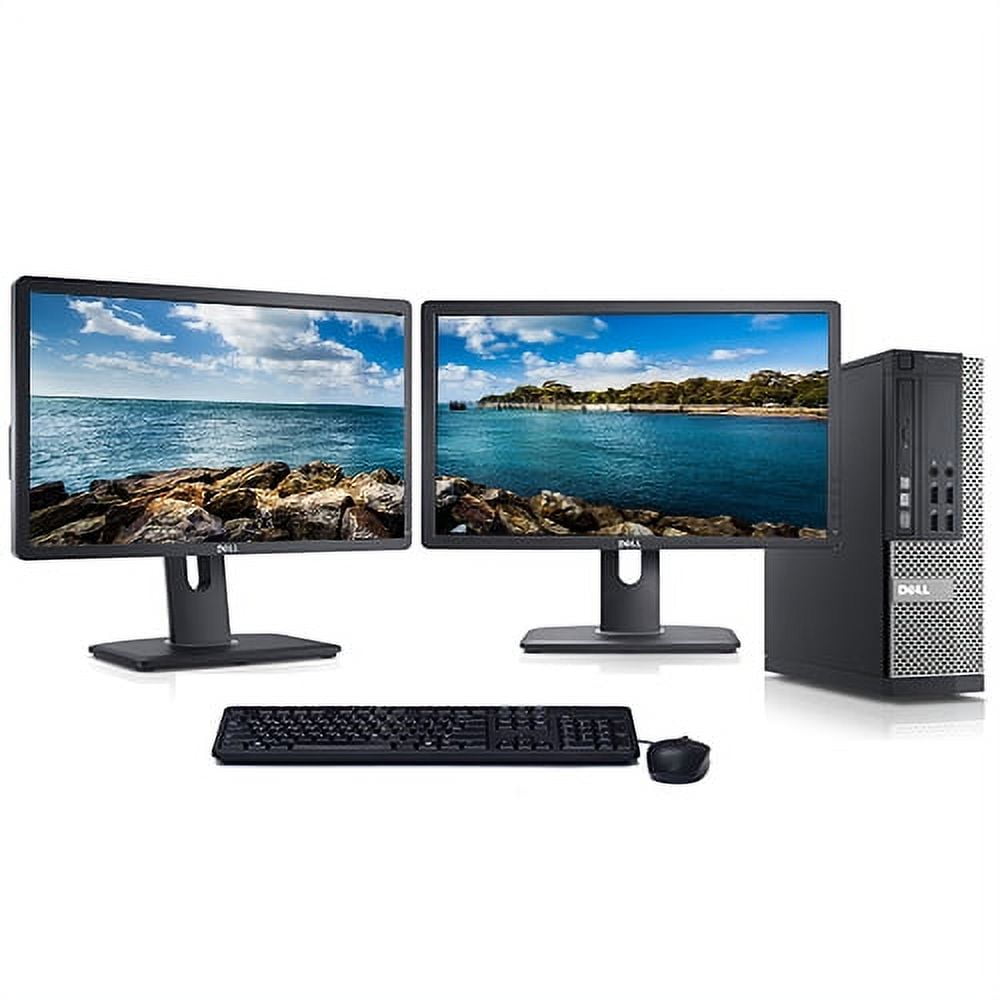
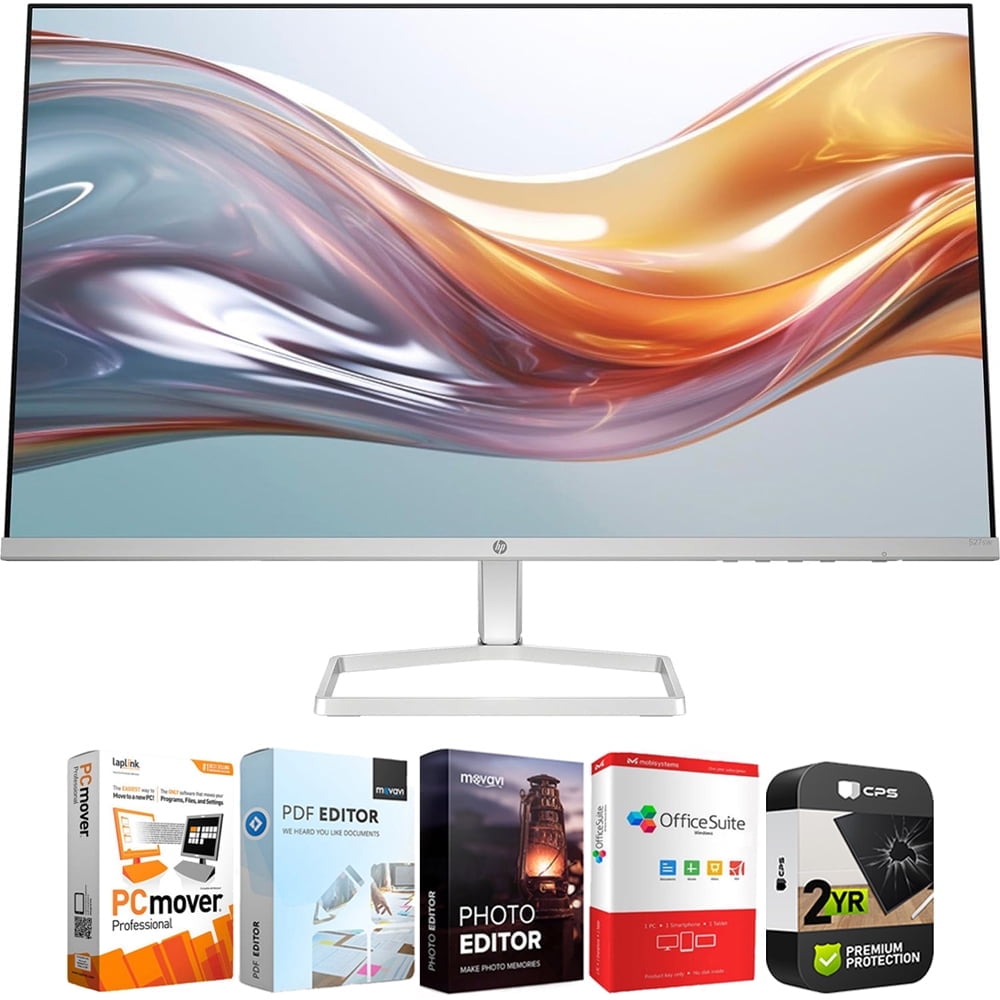
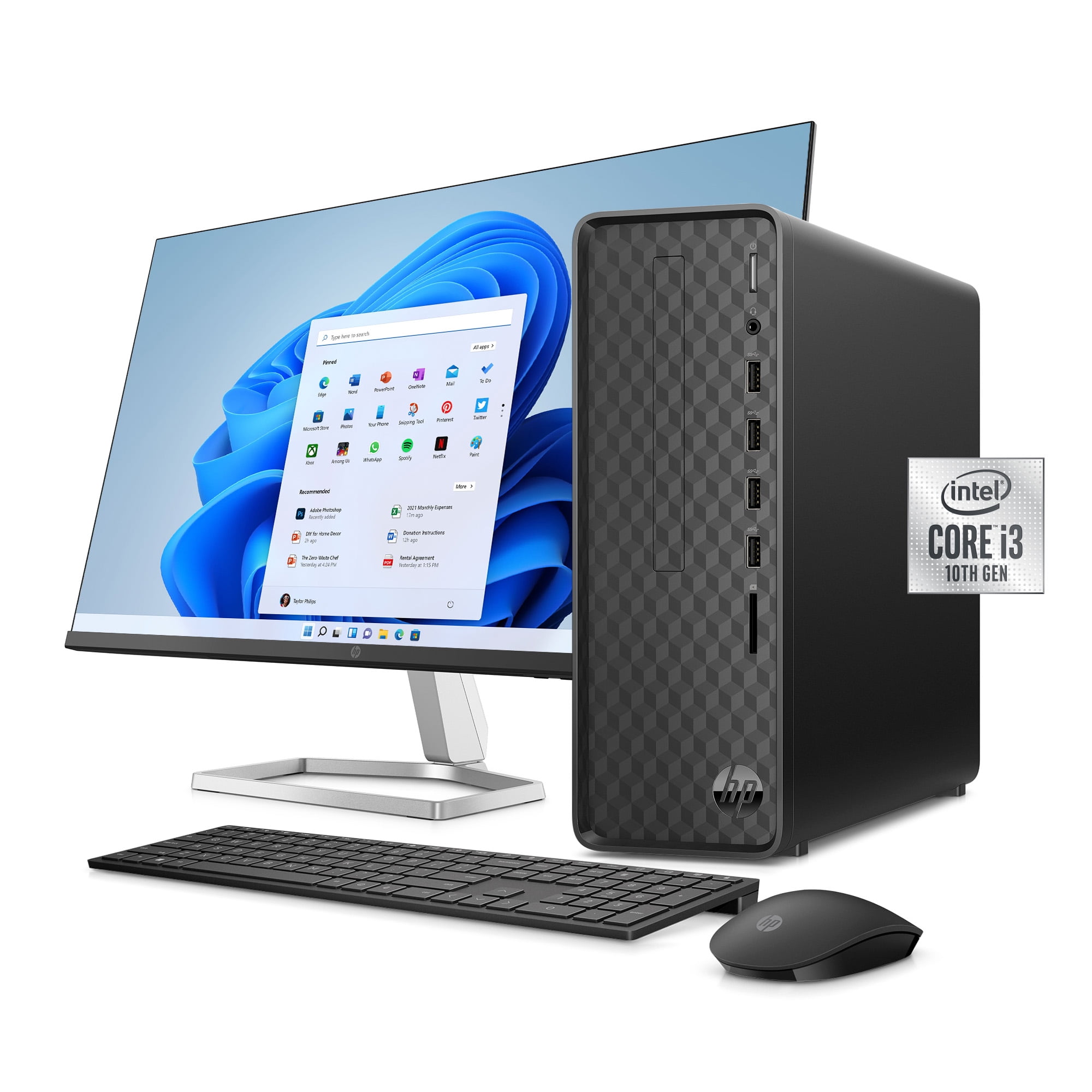

Amazon Com Dell OptiPlex 7050 Mini Desktop Computer With 22 FHD 71Tez467jxL . Dual Monitors Bundle Restored Dell Optiplex Dual Monitor Desktop Computer Bundle Core I5 3 1GHz 4GB 250GB With 2x 22 LCD Monitors And Windows 10 Refurbished 73c27645 6729 49bb 9f60 . Gaming Pc Monitor Bundle HP 94F46AA ABA 527sw Series 5 27 Inch FHD 1080p 100Hz 16 9 IPS Monitor Bundle Tech Smart USA Elite Suite 18 Standard Editing Software Bundle 2 YR CPS 67de4400 5460 477d 95b1 . Windows 11 Desktop Computer At Luca Schonell Blog 747beed0 B12e 4f75 94bd . Dual Monitor Bundle Hp At Spencer Ebert Blog 139282


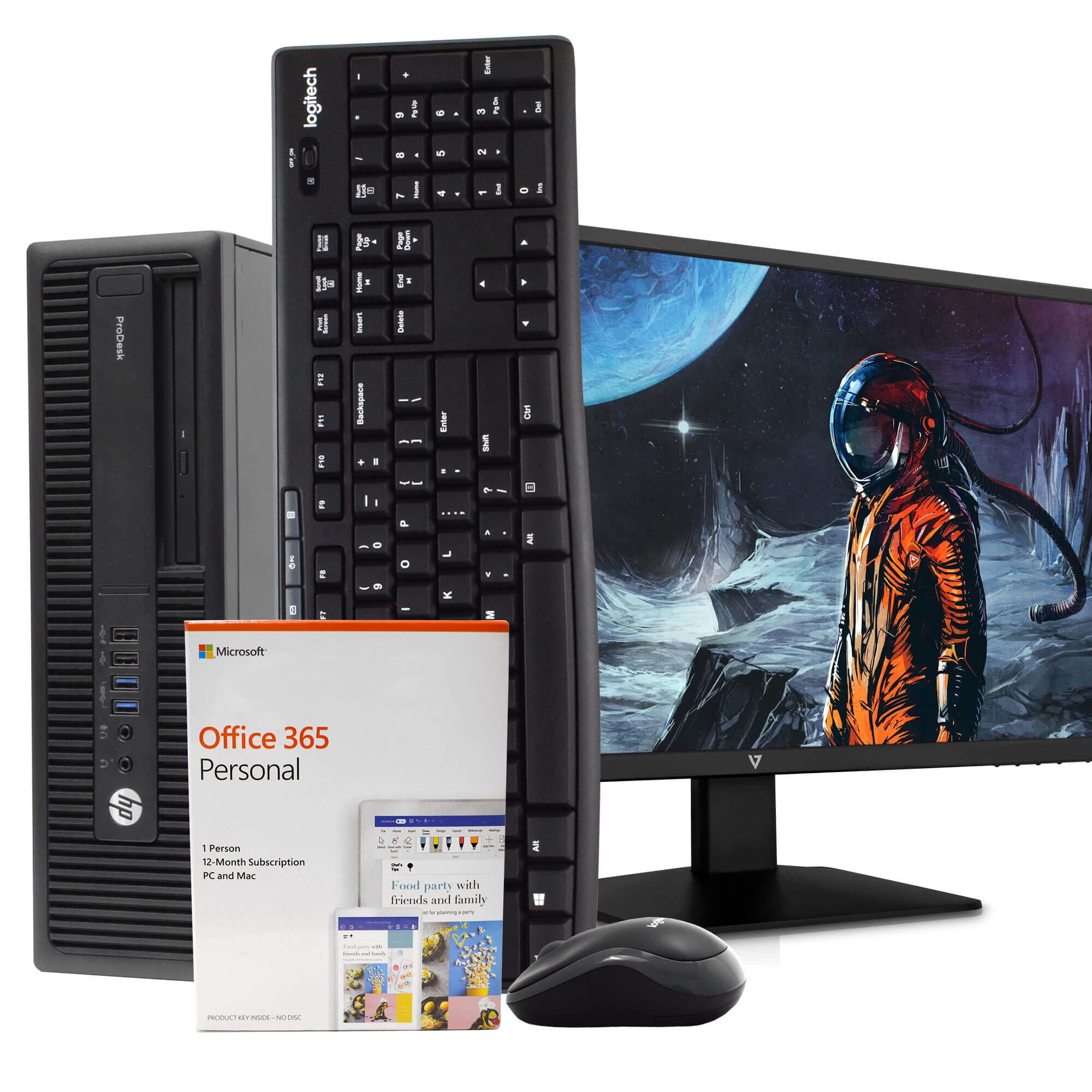
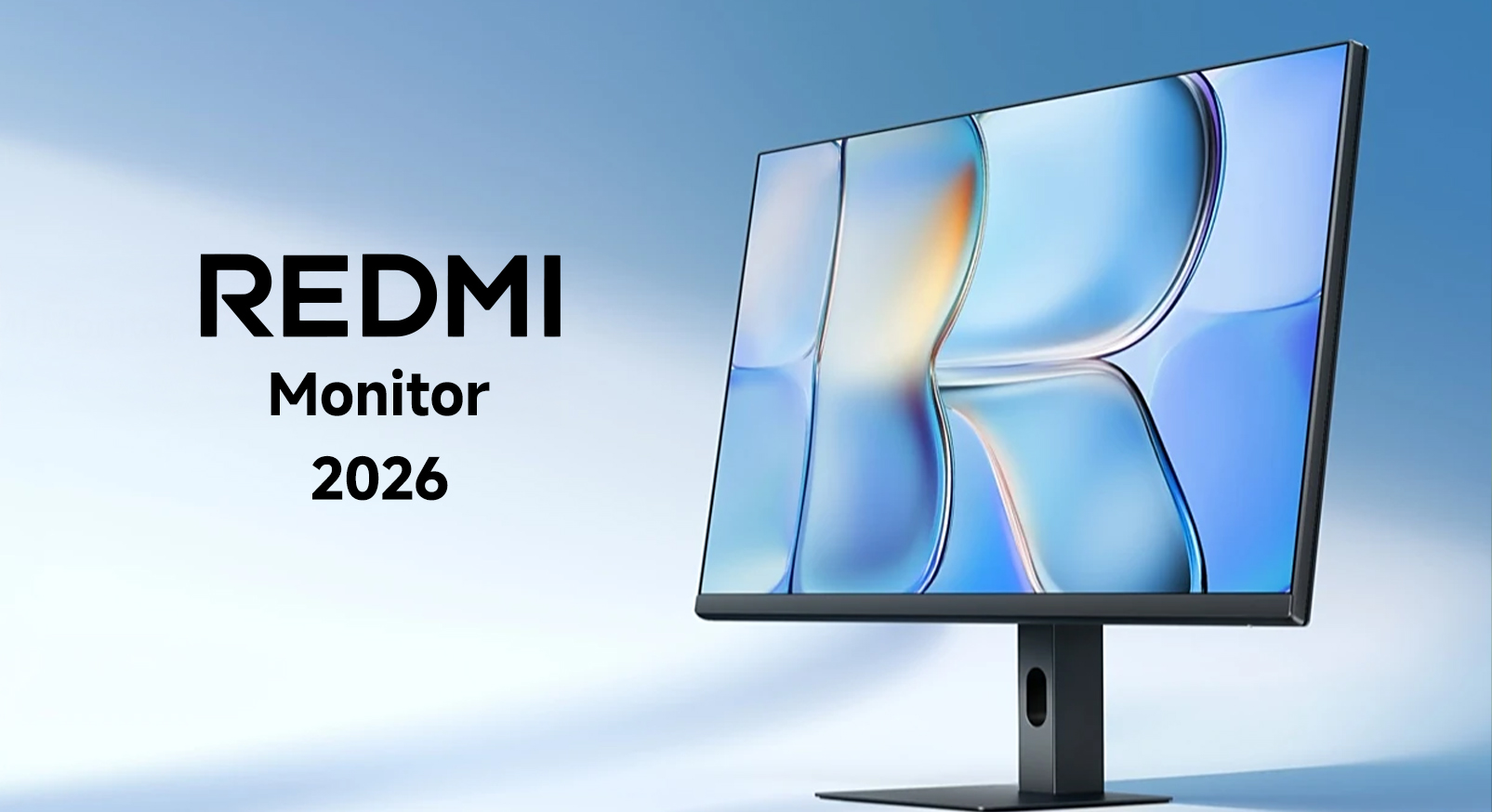

Desktop Monitor Webcam Bundle ACO Services Desktop Monitor Webcam Bundle . HP Desktop Computer And Monitor Bundle Property Room Hp Desktop Computer And Monitor Bundle 1 . Dual Monitors Bundle HP ProDesk 600G2 Business Desktop Computer Bundle With 24 Monitor Intel Core I5 16GB RAM 2TB HD DVD ROM Windows 10 Black B2d84454 1591 42bf B39b . Redmi A27Q 2026 Monitor Debuts With 120Hz IPS Panel REDMI Monitor 2026 . Top 10 Best Desktop Computers 2026 For Home Office And Work HP OmniStudio X Pro 2026 All In One Desktop Computer With Large Display Ranked Among Best
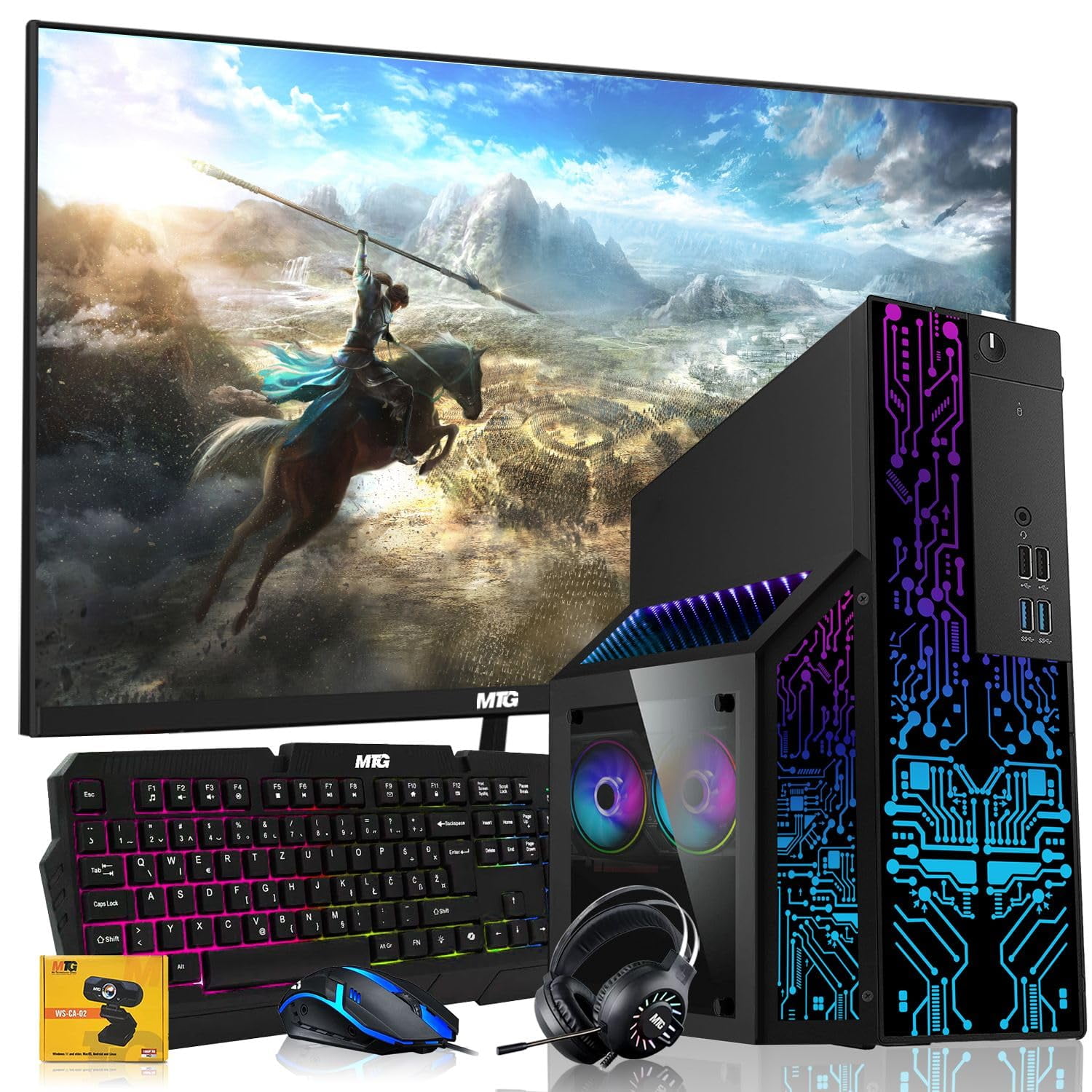


Desktop Bundles Acca7da5 299e 4803 8b7a . Amazon Com Dell Desktop PC Gaming Bundle Core I7 16GB RAM 1TB SSD 71v51768 HL. AC . Work From Home Dual Monitor Bundle At Luca Barrow Blog 71Ya HaaFdL. SL1500 . Desktop Bundles Gigatech Gaming Apollo 5 Gaming PC Desktop Monitor Bundle AMD Ryzen 5 5500 4 2GHz 6 Core Intel Arc A380 GPU Graphics Card 16gb DDR4 3200MHz 512GB SSD 24bfb313 Af0f 4e1b A082 . Samsung 2026 Monitors 1 Large