Ever wondered how important is a monitor for gaming? Many busy gamers, balancing work and family, often focus on their PC's internal components or console's power, overlooking the display that brings their virtual worlds to life. This article serves as your ultimate guide, delving into why a quality gaming monitor is not just a luxury but a crucial investment for anyone looking to maximize their limited gaming time. We'll explore how specific monitor features like refresh rate, response time, and resolution directly impact immersion, competitive edge, and even eye comfort, ensuring your hard-earned moments of relaxation and skill-building are truly optimized. Discover trending insights and practical advice to help you choose the perfect display without the hype, tailored for real-world gamers like you.
Related gamesWhy is a high refresh rate crucial for competitive gaming?
A high refresh rate, typically 144Hz or higher, is crucial for competitive gaming because it displays more frames per second, resulting in smoother motion and reduced input lag. This allows players to see enemy movements more clearly, react faster to in-game events, and track targets with greater precision, providing a significant competitive advantage over opponents using lower refresh rate displays.
What is response time and why should I care?
Response time refers to how quickly a monitor's pixels can change from one color to another, usually measured in milliseconds (ms). You should care because a low response time (e.g., 1ms Gray-to-Gray) minimizes motion blur, ghosting, and smearing. This ensures fast-moving images remain crisp and clear, preventing distracting visual artifacts that can hinder your ability to accurately perceive and react to game action, especially in fast-paced titles.
How does monitor resolution impact my gaming experience?
Monitor resolution dictates the sharpness and detail of the images on your screen. Higher resolutions like 1440p or 4K provide significantly crisper visuals and more detailed environments, enhancing immersion. However, higher resolutions also demand more processing power from your graphics card to maintain playable frame rates. Choosing the right resolution balances visual fidelity with your system's performance capabilities for a smooth experience.
Can an expensive monitor really make me a better gamer?
An expensive monitor can certainly contribute to making you a better gamer, but it's not a magic bullet. Monitors with high refresh rates, low response times, and adaptive sync features provide a clearer, smoother, and more responsive visual experience, which can improve your reaction times and precision. While skill is paramount, optimized hardware reduces technical limitations, allowing your true ability to shine without hindrances.
What's the ideal monitor size for a gaming setup?
The ideal monitor size for a gaming setup often depends on personal preference, desk space, and resolution. For 1080p, 24 to 27 inches is generally considered ideal. For 1440p, 27 to 32 inches offers a great balance of screen real estate and pixel density. Larger monitors or ultrawides are excellent for immersion but require more desk space and powerful hardware, while potentially making it harder to track entire screen in competitive games.
How do I connect my gaming console to a high-refresh-rate monitor?
To connect your gaming console to a high-refresh-rate monitor and utilize its capabilities, you'll typically use an HDMI cable. Ensure both your console (e.g., PS5, Xbox Series X) and monitor support the desired refresh rate (e.g., 120Hz) over HDMI 2.0 or 2.1. Check your console's display settings to enable the higher refresh rate output once connected, as it might not be active by default.
Are ultrawide monitors good for productivity and gaming balance?
Yes, ultrawide monitors are excellent for balancing productivity and gaming. For work, they offer significantly more horizontal screen real estate, allowing you to have multiple windows open side-by-side without needing a second monitor. For gaming, they provide an incredibly immersive experience with an expanded field of view, particularly in supported titles, making them a fantastic single-display solution for multitasking adults who game.
Hey fellow gamers! We've all been there. You've just spent your hard-earned cash on the latest console or a shiny new graphics card for your PC, ready to dive into that highly anticipated title. But then, something feels... off. The action isn't as fluid, the colors aren't popping, or that crucial headshot just didn't quite land, and you wonder, "how important is a monitor for gaming, really?" For many of us, especially those juggling jobs, families, and life's endless demands, gaming is a treasured escape, a way to relax, socialize, or sharpen skills. Our limited playtime means every moment counts, and a subpar monitor can silently sabotage that experience.
You might be surprised to learn that your monitor is arguably the most direct interface between you and the game world. It's not just a screen; it's your window into the action, directly influencing your immersion, reaction time, and overall enjoyment. In the US, where 87% of gamers play regularly, often dedicating 10+ hours a week, and with mobile gaming continuing its surge alongside PC and console cross-play, optimizing your setup has never been more relevant. This guide will cut through the technical jargon and hype, focusing on practical solutions for real gamers like you. Let's find out exactly how important a monitor is for gaming and how to choose one that genuinely enhances your valuable gaming sessions.
How Important Is a Monitor for Gaming Really?
The importance of a monitor for gaming cannot be overstated. Think of it this way: you could have the most powerful gaming PC or console on the planet, but if your display cannot keep up, you're not experiencing the full potential of your hardware. A high-quality gaming monitor dramatically impacts visual fidelity, responsiveness, and overall gameplay fluidity. It directly translates to smoother motion, quicker reaction times, and a more immersive experience, which is crucial whether you're relaxing with a cozy indie game or battling it out in a fast-paced esports title.
For busy adults who game to unwind or stay connected with friends, maximizing enjoyment from limited time is paramount. A good monitor ensures your relaxation time is truly relaxing and your competitive edge isn't dulled by technical limitations. It's often the missing piece that elevates an average gaming session to an exceptional one, making it a truly worthwhile investment for any serious gamer looking for performance optimization and value for money.
What Key Specs Make a Gaming Monitor Stand Out?
When you're sifting through endless options, certain specifications are non-negotiable for a monitor to be considered 'gaming-ready'. These are the core features that directly influence your gameplay experience.
- Refresh Rate: Measures how many times per second the screen updates the image. Higher refresh rates (e.g., 144Hz, 240Hz, 360Hz) mean smoother motion and less motion blur, giving you a competitive advantage in fast-paced games.
- Response Time: The time it takes for a pixel to change from one color to another (typically gray-to-gray). Lower response times (1ms GtG being ideal) reduce ghosting and smearing, keeping images crisp, especially during rapid movements.
- Resolution: The number of pixels on the screen (e.g., 1080p, 1440p, 4K). Higher resolutions offer sharper images and more screen real estate, but require more powerful hardware to maintain high frame rates.
- Panel Type: Refers to the underlying display technology (IPS, VA, TN). Each has trade-offs in color accuracy, viewing angles, and response speed.
- Adaptive Sync (G-Sync/FreeSync): Technologies that synchronize the monitor's refresh rate with the graphics card's frame rate to eliminate screen tearing and stuttering, providing a smoother visual experience.
Understanding these specs is the first step to making an informed decision that aligns with your gaming style and budget.
Why Do Refresh Rate and Response Time Matter So Much?
These two metrics are the bedrock of a smooth, responsive gaming experience, particularly vital in today's competitive and visually demanding games.
- Refresh Rate: Imagine a flipbook. The more pages you flip per second, the smoother the animation. A monitor's refresh rate (measured in Hertz, Hz) works similarly. A standard office monitor might be 60Hz, displaying 60 frames per second. A gaming monitor typically starts at 120Hz, with 144Hz, 240Hz, and even 360Hz becoming common. Higher refresh rates translate directly to more frames displayed per second, resulting in significantly smoother gameplay, reduced input lag, and a clearer view of fast-moving objects or opponents. This is especially critical in esports titles where split-second reactions can determine victory.
- Response Time: This is how quickly a pixel can change its color. Measured in milliseconds (ms), a lower response time (like 1ms GtG – Gray-to-Gray) minimizes motion blur, ghosting, and smearing. Without a fast response time, fast-moving objects can leave a trail, making it harder to track targets or see details clearly. For gamers who enjoy fast-paced action, shooters, or racing games, a low response time ensures every movement on screen is rendered with maximum clarity, preventing visual artifacts that can distract or hinder performance.
For gamers balancing life's commitments, these features mean your limited gaming time is spent enjoying fluid visuals and optimal performance, not fighting against display limitations.
Is a 4K Monitor Worth It for Busy Gamers?
The allure of 4K resolution (3840 x 2160 pixels) is undeniable, offering stunning visual detail and incredible sharpness. But is it worth the investment for the average gamer, especially those who balance gaming with a busy life?
For gamers who prioritize visual fidelity, single-player immersive experiences, or have powerful graphics cards (like an RTX 4080 or RX 7900 XT), 4K can be incredibly rewarding. The detailed environments and character models truly shine. However, running games at 4K resolution demands significant graphical horsepower to maintain playable frame rates, particularly if you're aiming for anything above 60 FPS. This means a higher cost not only for the monitor but also for the PC components needed to drive it.
For many adult gamers, a 1440p (2560 x 1440 pixels) monitor often strikes the perfect balance. It offers a noticeable upgrade in sharpness over 1080p, without the extreme performance demands of 4K. This allows for higher refresh rates and smoother gameplay on more accessible hardware, providing excellent visuals and responsiveness without breaking the bank or requiring constant hardware upgrades. If you prioritize fluid gameplay over raw pixel count, 1440p with a high refresh rate might be the smarter, more budget-friendly choice.
How Can Adaptive Sync (G-Sync/FreeSync) Improve My Gameplay?
Screen tearing and stuttering are two of the most frustrating visual glitches for gamers. Screen tearing occurs when your graphics card renders frames faster or slower than your monitor's refresh rate, resulting in multiple frames being displayed simultaneously, creating a 'tear' across the screen. Stuttering happens when frame rates drop or fluctuate, causing jerky motion.
This is where adaptive sync technologies like NVIDIA's G-Sync and AMD's FreeSync come into play. These technologies synchronize your monitor's refresh rate directly with your graphics card's frame rate. If your GPU renders 85 frames per second, an adaptive sync monitor will adjust its refresh rate to 85Hz. This dynamic synchronization completely eliminates screen tearing and significantly reduces stuttering, providing an incredibly smooth and fluid visual experience. For competitive gamers, this means a clearer, more consistent image, allowing for better target acquisition and overall responsiveness. For casual players, it simply makes games look and feel much more enjoyable, free from distracting visual artifacts that can break immersion.
Both G-Sync and FreeSync offer similar benefits, with G-Sync often requiring a dedicated hardware module in the monitor (and usually a higher price), while FreeSync is an open standard and generally more affordable. Many modern GPUs now support both, making this a highly recommended feature for any gaming monitor.
What Panel Type Is Best for My Gaming Style? (IPS, VA, TN)
The panel type largely dictates a monitor's visual characteristics and performance. Understanding the differences between In-Plane Switching (IPS), Vertical Alignment (VA), and Twisted Nematic (TN) panels can help you choose the right fit for your gaming habits.
- TN (Twisted Nematic) Panels: These were once the go-to for competitive gamers due to their extremely fast response times (often 1ms) and high refresh rates. They are typically the most affordable. However, TN panels suffer from poor color reproduction and narrow viewing angles, meaning colors can look washed out or shift if you're not looking at the screen head-on. Best for: Pure competitive gamers where every millisecond counts and visual fidelity is secondary.
- IPS (In-Plane Switching) Panels: IPS monitors are renowned for their superb color accuracy, vibrant visuals, and wide viewing angles. This makes them excellent for immersive single-player games, content creation, and general media consumption. Historically, IPS panels had slower response times, but modern IPS gaming monitors now achieve 1ms GtG, making them a strong contender for all types of gamers. Best for: Gamers who want beautiful visuals, color accuracy, and good overall performance, including competitive play.
- VA (Vertical Alignment) Panels: VA panels offer a compelling middle ground. They boast excellent contrast ratios, leading to deeper blacks and richer colors than TN, though not quite as accurate as IPS. They also offer better viewing angles than TN. VA panels are well-suited for immersive games with dark scenes. Response times are usually between TN and IPS, typically 3-5ms, though some high-end VA panels are faster. Best for: Immersive single-player games, gamers who appreciate deep blacks and good contrast, and those seeking a balance of speed and visual quality.
For the busy gamer who wants the best of both worlds – vibrant visuals for relaxation and competitive speed – a modern IPS panel is often the sweet spot. If budget is tight and speed is king, TN still has a place, while VA offers a great cinematic experience.
How Do I Pick a Gaming Monitor on a Budget?
For many of us balancing work, family, and gaming, a budget-friendly option is crucial. You don't need to spend a fortune to get a significant upgrade. The key is prioritizing what matters most to your specific gaming style.
1. Prioritize Refresh Rate and Response Time: Even on a budget, aim for at least 120Hz or 144Hz refresh rate and a 1ms or 5ms GtG response time. These two features will give you the most noticeable performance boost for your money. You might find great deals on 1080p monitors with these specs.
2. Consider 1080p: While 1440p and 4K are enticing, a 1080p (Full HD) monitor is significantly more affordable and easier for your graphics card to drive at high frame rates. A 24-inch to 27-inch 1080p monitor with a high refresh rate is an excellent value proposition, especially for fast-paced games.
3. Look for FreeSync: AMD FreeSync is an open standard and is often included in more affordable monitors, even if you have an NVIDIA GPU (many are now 'G-Sync Compatible' over DisplayPort). It's a fantastic feature to eliminate tearing without a premium price tag.
4. Explore VA or Entry-Level IPS: While TN panels are cheapest, a budget VA panel can offer better contrast and color for immersive games, and entry-level IPS panels are now quite competitive on speed and visuals without breaking the bank.
5. Shop Sales: Keep an eye out for seasonal sales (Black Friday, Prime Day, Cyber Monday) and manufacturer promotions. Older models or less popular brands can offer great value as well. Remember, a good monitor is a long-term investment, so choosing wisely will pay off in enjoyment.
Can a Good Monitor Help Balance Gaming and Life?
Absolutely! For adult gamers, balancing passions with responsibilities is a daily juggle. A good monitor can paradoxically help you achieve that balance by making your gaming sessions more efficient, enjoyable, and less taxing on your eyes.
- Enhanced Immersion: When your limited gaming time is truly immersive, thanks to crisp visuals, vibrant colors, and smooth motion, you feel more satisfied and accomplished in a shorter period. This can prevent that feeling of needing to play longer to 'get into it.'
- Reduced Eye Strain: Modern gaming monitors often include features like low blue light modes and flicker-free technology. For gamers who squeeze in sessions after a long workday, reducing eye strain means you can enjoy your game without feeling fatigued or compromising sleep quality. This is crucial for maintaining overall well-being.
- Dual-Purpose Functionality: Many high-quality gaming monitors also excel as productivity displays. Features like ample screen real estate (e.g., ultrawide monitors or larger 1440p displays), accurate colors, and ergonomic stands make them perfect for work during the day and play at night, offering excellent value for money.
- Focused Engagement: When your gear isn't fighting against you (e.g., screen tearing, input lag), you can focus purely on the game, whether it's building skills, strategizing with friends, or simply enjoying the story. This focused engagement makes your gaming time more fulfilling, allowing you to switch back to real-world responsibilities feeling refreshed, not frustrated.
A smart monitor choice is an investment in your well-being and leisure, making sure your gaming time is truly restorative.
When Should I Upgrade My Current Gaming Monitor?
Upgrading hardware is a continuous cycle for gamers, but knowing when to pull the trigger on a new monitor can be tricky. Here are some clear indicators:
- Noticeable Bottleneck: If your graphics card is consistently pushing high frame rates (e.g., 100+ FPS) but your monitor is stuck at 60Hz, you're missing out on a significantly smoother experience. Your monitor is bottlenecking your PC's performance.
- Outdated Technology: If you're still using a TN panel with poor viewing angles and color accuracy, or a monitor without adaptive sync, you're missing out on major quality-of-life improvements that modern displays offer.
- Eye Strain or Discomfort: If prolonged gaming causes significant eye fatigue, headaches, or blurred vision, it might be time for an upgrade to a monitor with better eye-care features, higher refresh rates (which can feel less jarring), or simply a larger, clearer display.
- Changing Gaming Habits: If you've moved from casual single-player games to competitive esports, a higher refresh rate and faster response time will become much more important. Conversely, if you're now focused on immersive RPGs, a monitor with better color accuracy and contrast might be a better fit.
- Major Hardware Upgrade: If you've just invested in a powerful new graphics card, ensure your monitor can keep up. Upgrading to a 1440p or 4K high-refresh-rate display will allow you to fully experience your new GPU's capabilities.
- Budget Allows: Ultimately, if your budget allows for a meaningful upgrade that addresses one or more of these points, it's a worthwhile investment in your long-term gaming enjoyment and well-being.
The average age of US gamers is around 36, and with most balancing various life commitments, it's about making smart, impactful upgrades that enhance your relaxation and performance, not just chasing the latest hype.
What Are the Latest Gaming Monitor Trends for 2026?
The monitor landscape is constantly evolving, with exciting innovations emerging to further enhance the gaming experience. Here are some of the top trends impacting monitors in 2026:
- OLED and QD-OLED Dominance: While once niche and expensive, OLED and Quantum Dot OLED (QD-OLED) panels are becoming more accessible. They offer unparalleled contrast, true blacks, vibrant colors, and incredibly fast response times (often sub-1ms), making them the gold standard for visual fidelity. We're seeing more large-format and ultrawide QD-OLED gaming monitors hitting the market.
- Higher Refresh Rates & Resolutions: 1440p at 240Hz and 4K at 144Hz/160Hz are becoming increasingly common, providing a sublime balance of detail and fluidity. Even higher refresh rates like 360Hz and beyond are pushing the limits for competitive esports.
- Mini LED Backlighting: For traditional LCD panels, Mini LED technology is bringing vastly improved local dimming, allowing for HDR (High Dynamic Range) content to truly shine with brighter highlights and deeper shadows, often rivaling OLED in contrast performance without the risk of burn-in.
- Ultrawide and Super Ultrawide Expansion: These monitors, particularly in 21:9 and 32:9 aspect ratios, are gaining massive popularity for their immersive field of view in games and unparalleled multitasking capabilities for productivity, making them ideal for gamers balancing work and play.
- USB-C Connectivity & KVM Switches: Monitors featuring USB-C with power delivery and integrated KVM switches are a godsend for hybrid setups, allowing gamers to connect a laptop for work and a PC for gaming with a single cable and seamless peripheral switching.
- AI-Powered Enhancements: We're starting to see monitors incorporate AI chips for features like intelligent upscaling, dynamic contrast optimization, and even latency reduction, aiming to further enhance image quality and responsiveness on the fly.
Staying current doesn't mean buying every new gadget, but understanding these trends helps you identify features that genuinely add value to your gaming and overall digital life.
So, there you have it. The answer to "how important is a monitor for gaming" is clear: incredibly important. It's not just a screen; it's the gateway to your gaming world, directly influencing your performance, immersion, and even your overall well-being. For busy gamers like us, every moment counts, and optimizing your monitor setup ensures those precious gaming sessions are as rewarding as possible, striking that perfect balance between fun, skill-building, and relaxation. By understanding the key specs, making smart budget choices, and embracing modern features, you can significantly elevate your experience.
What's your biggest gaming monitor challenge or your favorite monitor feature? Comment below and let's share some insights!
FAQ Section
Is a curved monitor better for gaming? Curved monitors offer a more immersive experience, especially with ultrawide aspect ratios, by wrapping the edges of the screen around your field of vision. This can feel more natural and reduce eye strain in some cases. However, for competitive gaming, some players prefer flat screens for a more consistent image without distortion, though the difference is often negligible with modern curved panels.
What resolution is best for a 27-inch monitor? For a 27-inch monitor, 1440p (2560x1440) is widely considered the sweet spot. It offers a significant upgrade in sharpness over 1080p without being as demanding on your graphics card as 4K. Text and images appear crisp, and you get ample screen real estate for both gaming and productivity.
Do I need HDR for gaming? HDR (High Dynamic Range) can significantly enhance visual immersion by offering a wider range of colors, brighter highlights, and deeper blacks, making games look stunning. While not strictly necessary, a monitor with good HDR implementation (look for VESA DisplayHDR 600 or higher) can provide a noticeable visual upgrade for supported games, enriching your experience, especially in cinematic titles.
How do I calibrate my gaming monitor? Basic calibration can be done using your operating system's built-in tools (e.g., Windows Display Color Calibration). For more precise results, you can use a hardware calibration device (colorimeter) and software. Adjusting brightness, contrast, color temperature, and gamma can ensure accurate colors and optimal visual settings for gaming, reducing eye strain and enhancing visual fidelity.
What is input lag, and how does it relate to monitors? Input lag is the delay between an action (e.g., mouse click, button press) and that action appearing on screen. While some input lag comes from your PC/console, a monitor's processing time also contributes. Low input lag monitors are crucial for competitive gaming, ensuring your actions register almost instantly. It's different from response time, though both contribute to overall responsiveness.
Can I use a TV as a gaming monitor? Yes, you can use a TV for gaming, especially modern smart TVs with 'Game Mode' which often reduces input lag. However, dedicated gaming monitors typically offer higher refresh rates, faster response times, and adaptive sync technologies not always found on TVs, making them superior for competitive or fast-paced PC gaming. For console gaming, a good TV can be perfectly adequate.
High refresh rate delivers smoother visuals. Low response time eliminates ghosting. Optimal resolution enhances visual clarity. Panel type affects color accuracy and speed. Adaptive sync prevents screen tearing. Investing in a good monitor directly impacts gaming enjoyment and competitive advantage. Balancing monitor features with budget is key for busy gamers.
35


Xiaomi G34WQi 2026 Curved Gaming Monitor Gets Global Launch G34WQi 2026 . Asus Debuts 24 Inch 610 Hz Full HD Gaming Monitor With A Super TN Panel . Xiaomi Launches G24i 2026 And G27i 2026 Gaming Monitors In The Xiaomi Launches G24i 2026 And G27i 2026 Gaming Monitors In The Philippines 1024x640 . Xiaomi G24i 2026 G27i 2026 Gaming Monitors Launched Globally Xiaomi Xiaomi Gaming Monitor G24i 2026 G27i 2026 Q2XM0.webp. The Best Gaming Monitors For 2026 57 6770317 Urbu


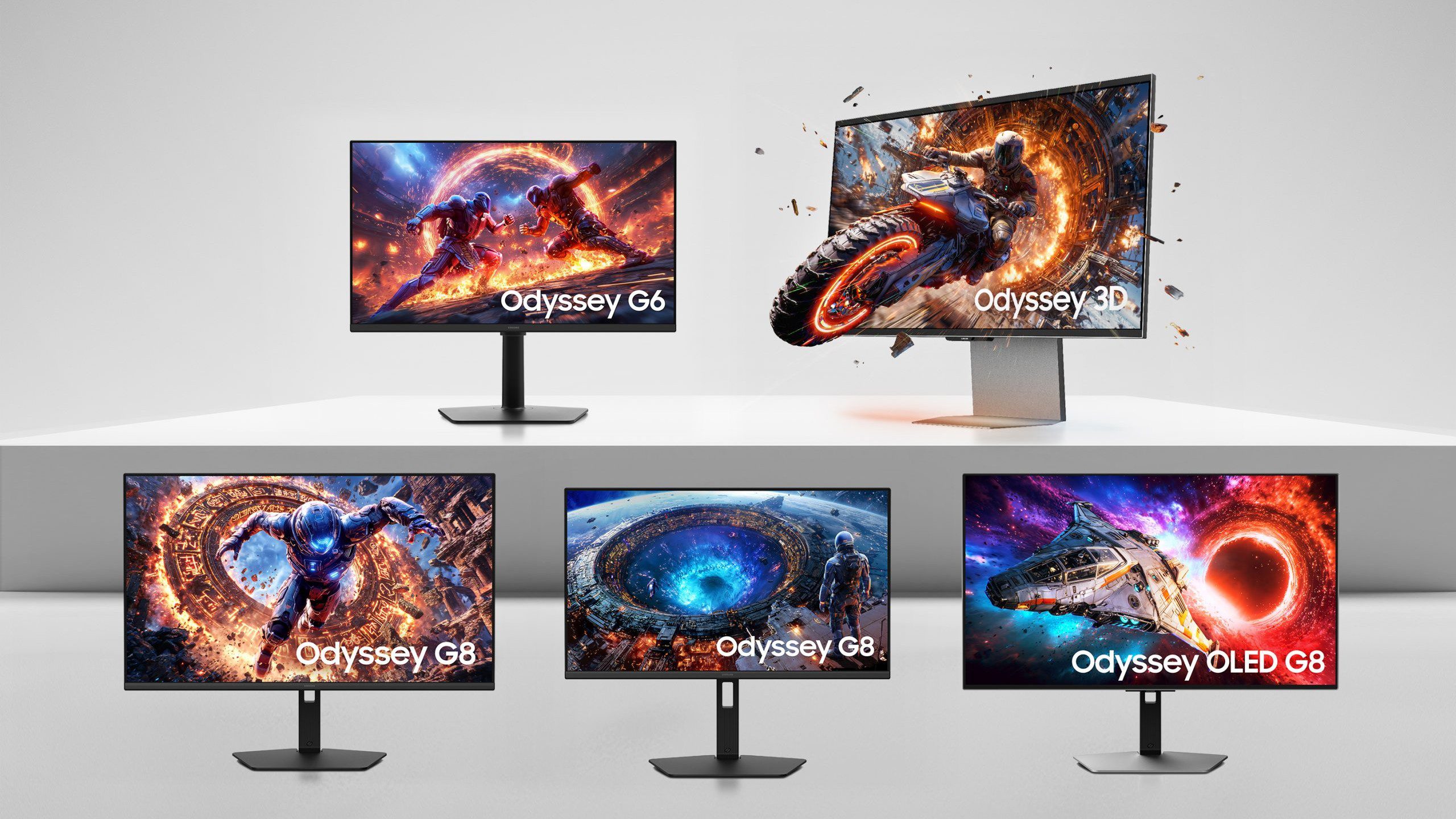
Best Gaming Monitors For 2026 Reviews And Bharat Erberbr . Gaming Monitor Guide 2026 Everything You Need To Know London Daily News Gaming Monitor Guide 2026 Everything You Need To Know11. Xiaomi G24i 2026 G27i 2026 Gaming Monitors Launched Globally Xiaomi Xiaomi Gaming Monitor G24i 2026 G27i 2026 R65T2 Scaled.webp. The Best OLED Gaming Monitors To Buy In 2026 TFTCentral Best Oled Gaming Monitors Thumbnail 2026 768x432 . Samsung Unveils 6K 3D Gaming Monitors For 2026 The Technology Express 2026 Odyssey Gaming Monitor Lineups Scaled 1


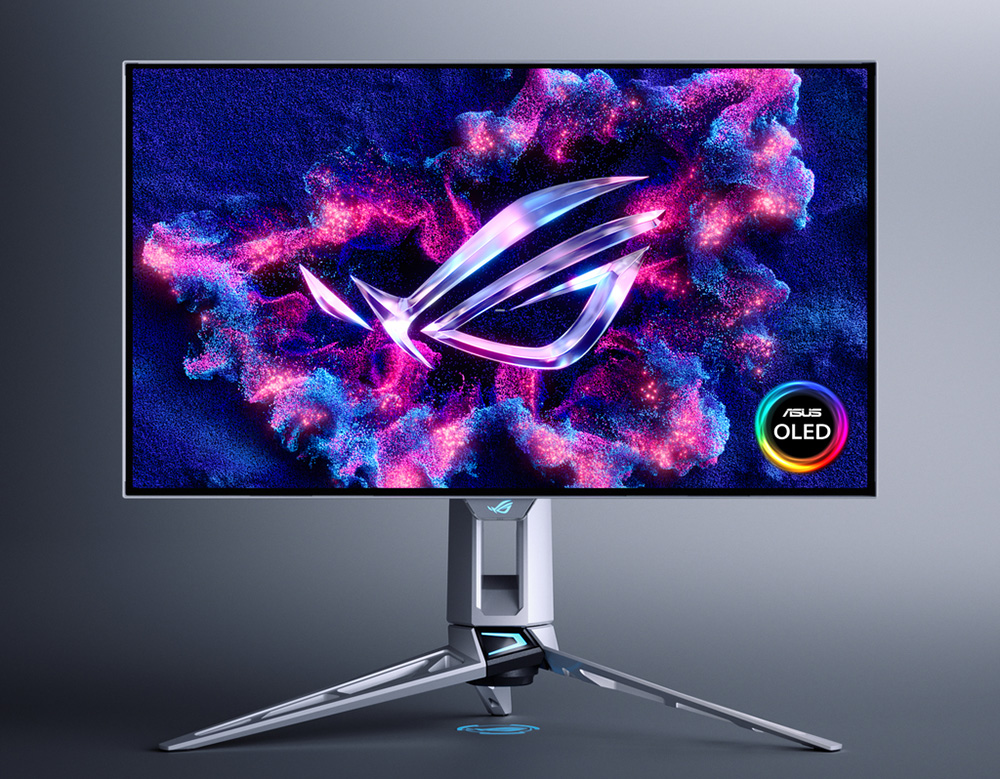
ASUS XG27ACDNG Review 2026 Best 1440p 360Hz OLED Best HDR Monitors 1024x576 . Acer Debuted 3 New Gaming Monitors At CES 2026 Should You Upgrade Tech Acer Debuted 3 New Gaming Monitors At Ces 2026 Should You Up Setn.2496 . Top 10 Best Gaming Monitor 2026 Reviews And Buying Guide Featured Top 10 Best Gaming Monitor 2026 Reviews And Buying.webp. The Best Recommended Gaming Monitors 2026 TFTCentral ROG Swift OLED PG27AQWP Bottom . Xiaomi Presents The Gaming Monitor G27Qi 2026 With HDR400

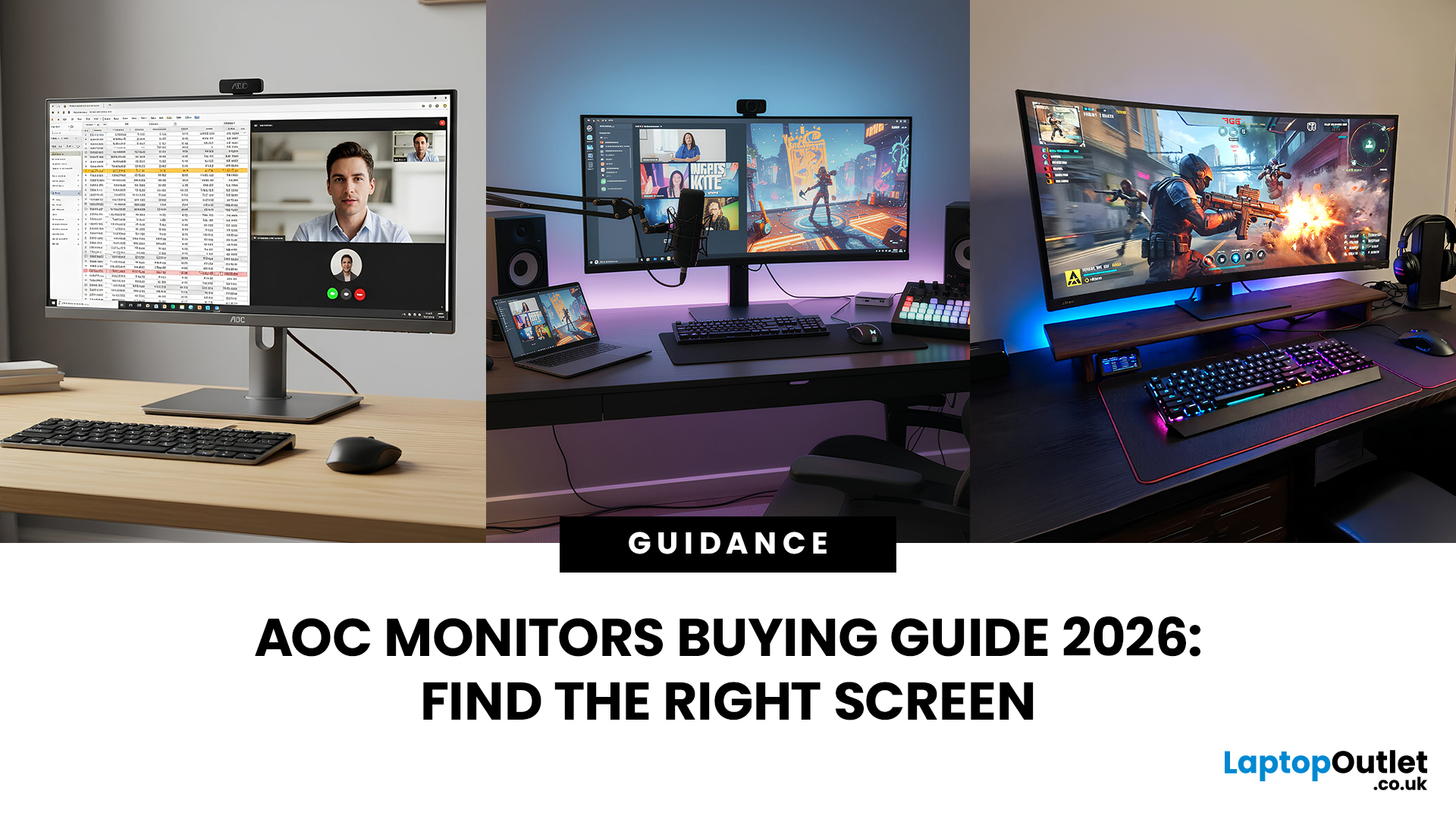
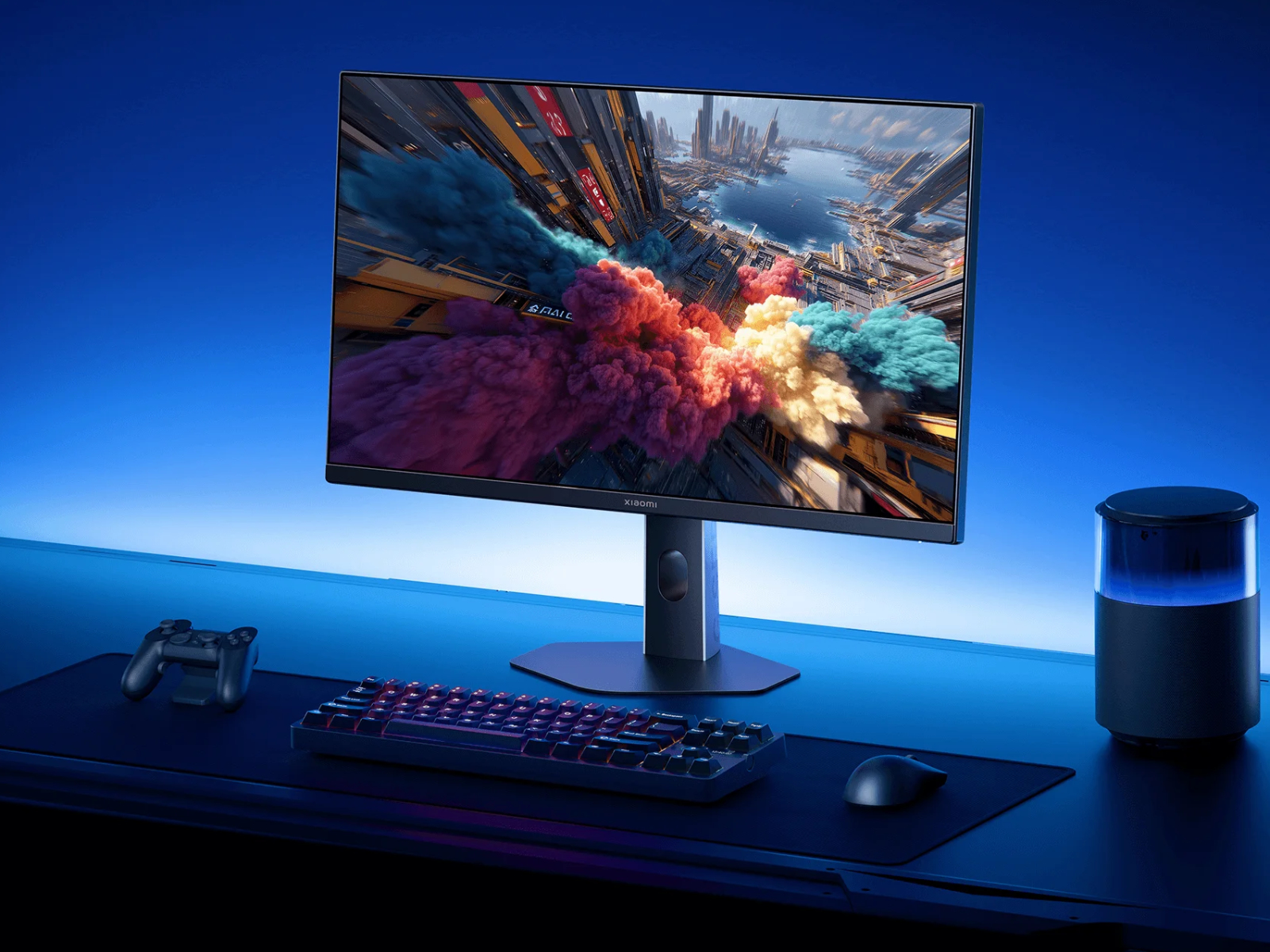
Best Gaming Monitors 2026 Best Pulsar Gaming Monitors . 15 Best Gaming Monitors Of 2026 Ultimate Picks For Seamless Play Top Gaming Monitors 2026 H3rit . AOC Monitors Buying Guide 2026 How To Choose The Right Screen For Work AOC Monitors Buying Guide 2026 Main . AMD Chinese Firm Develop 1000Hz Gaming Monitor 2026 Release World . Xiaomi Reveals Global Launches Planned For New G24i 2026 And G27i 2026 Xiaomi 24 And 27 Inch 2026 Launches Kv




Best Gaming Monitors 2026 Ultimate Buying Guide For Every Budget Setup The Ultimate Gaming. 2026 4K Gaming Monitors GPU Balance And Best Settings 2 3 1 . New Monitors In 2026 What To Expect Gaming Best Monitors For FPS Games . LG UltraGear Evo Gaming Monitor Lineup Announced Ahead Of CES 2026 27 . Expert Recommended OLED Gaming Monitor Picks For 2026 Oled Gaming Monitor

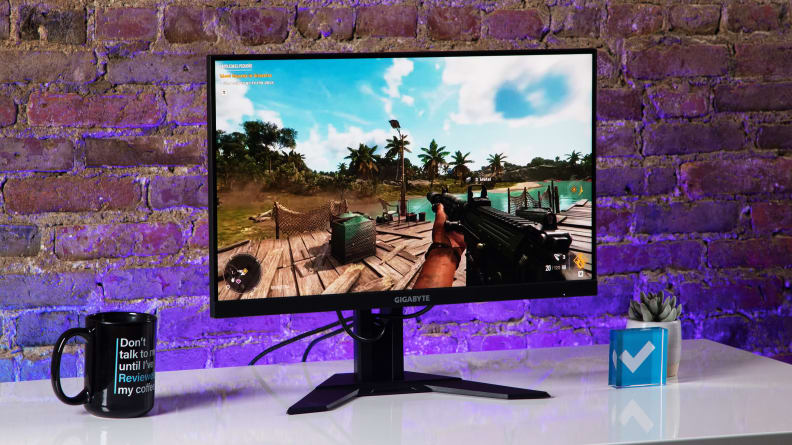


Best Gaming Monitors For 2026 Top Picks For PS5 Esports More Best Gaming Monitor 768x512 . 9 Best Gaming Monitors Of 2026 Reviewed 20221022 Renzi . Best Gaming Monitor 2026 Picks For 1080p 1440p And 4K Switchblade Best Gaming Monitor 2026.webp. The Best Gaming Monitors Of 2026 Our Top 10 Picks Hero Image 16 . Best Gaming Monitors 2026 MSI MPG 341CQR X36 With Box Image By PC Guide


Best Gaming Monitor 2026 Top Picks For 1080p 1440p And 4K Best Gaming Monitor 2026 . Best Gaming Monitors For PC 2026 Guide . The Best Budget Gaming Monitors 2026 GamesRadar . Authorized Gaming Monitors Price In Nepal 2026 Best Price For Monitors 1536x864 . Samsung 2026 Odyssey Gaming Monitor Lineup Best Of High End Samsung 2026 Odyssey Gaming Monitor Lineup 4