Discovering the best Steam MacBook games can transform your downtime, especially for busy adults juggling work, family, and life. This comprehensive guide cuts through the noise, offering practical advice and top recommendations for Mac users in 2026. We understand you value relaxation, fun, and perhaps some skill-building without the hassle of complex setups or performance issues. From optimizing your Apple Silicon MacBook for a seamless gaming experience to finding engaging titles that respect your limited time, this resource covers it all. We will explore genres that thrive on macOS, highlight budget-friendly options, and even delve into social gaming trends that let you connect with friends. Learn how to maximize value for money, stay current with popular titles, and overcome common pain points like hardware upgrades on a budget. This is your go-to source for making the most of your MacBook's gaming potential, ensuring every gaming session is rewarding and stress-free. Let's unlock a world of entertainment tailored for the modern gamer.
What are the absolute best Steam MacBook games for M-series chips?
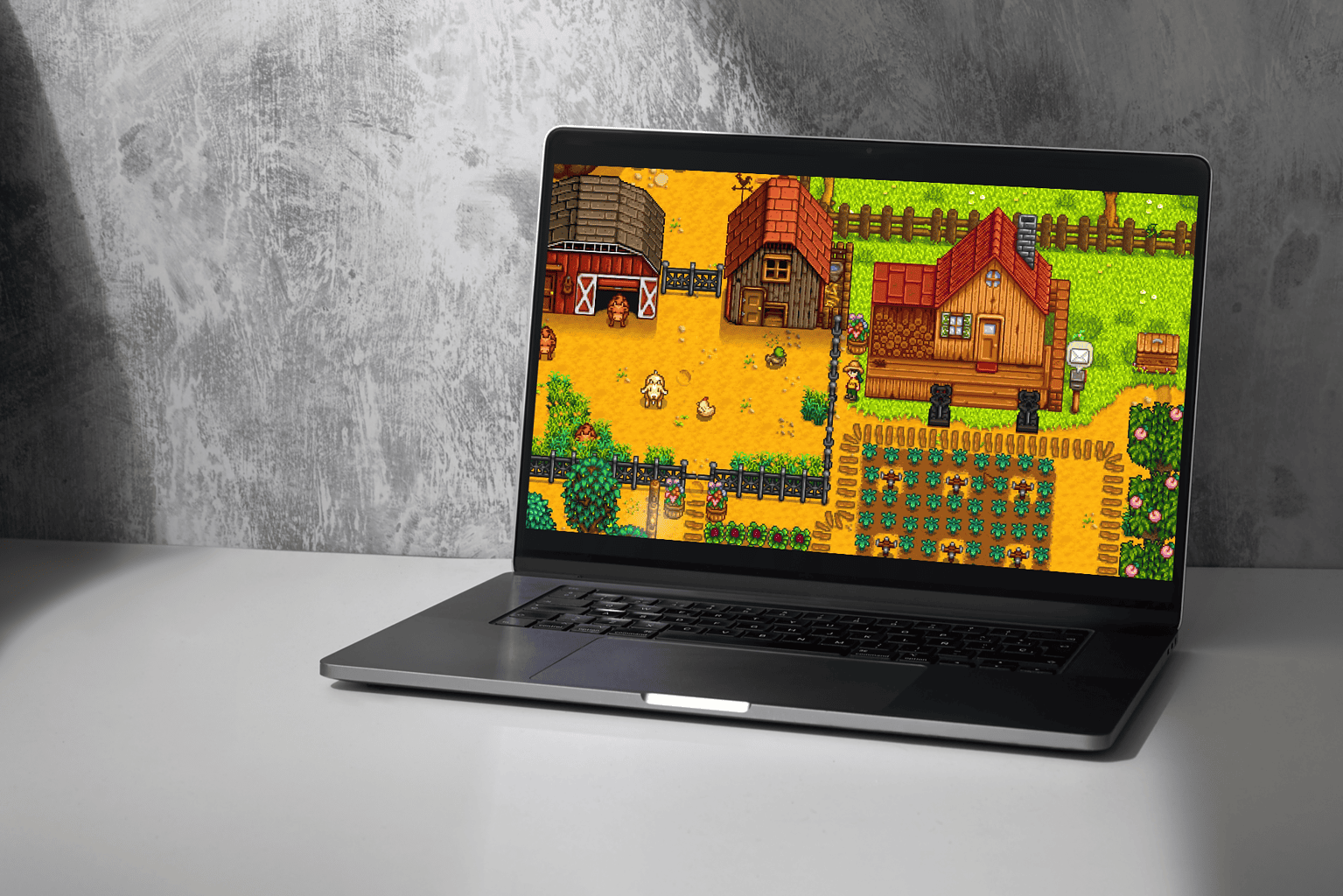
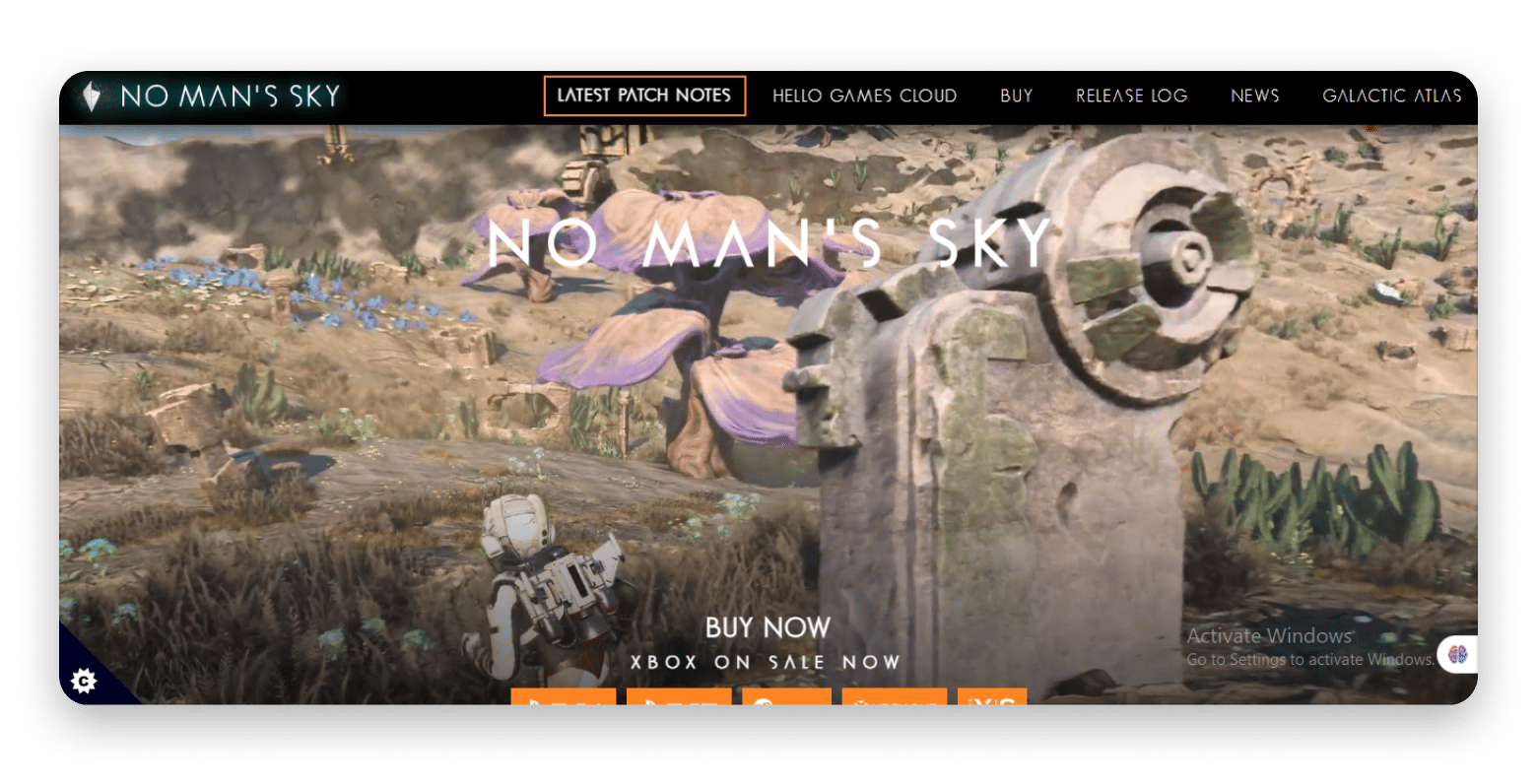
For Apple Silicon (M1, M2, M3) MacBooks, some of the absolute best Steam games known for native optimization and excellent performance include Hades (fast-paced roguelike), Divinity Original Sin 2 (deep RPG), Stardew Valley (relaxing farm sim), and No Man's Sky (vast exploration). Baldur's Gate 3 also runs remarkably well on newer M-series Macs, offering a premium AAA experience. These titles leverage the M-chip architecture for smooth gameplay, efficient battery use, and stunning visuals, making them top picks for serious gamers. Always check the Steam page for specific M-chip compatibility.
How can I improve Steam game performance on my MacBook Pro or Air?
To boost Steam game performance on your MacBook Pro or Air, first ensure macOS is updated and close all unnecessary background apps. Reduce in-game graphics settings like resolution, shadows, and anti-aliasing. Playing on your laptop's native display rather than an external monitor can help. Keep your MacBook cool with a fan or cooling pad. Allocate enough free storage on your drive and consider using a wired internet connection for online games. For older Intel Macs, using a lower resolution is often the most impactful change.
Are there any popular multiplayer or co-op Steam games that run well on Mac?
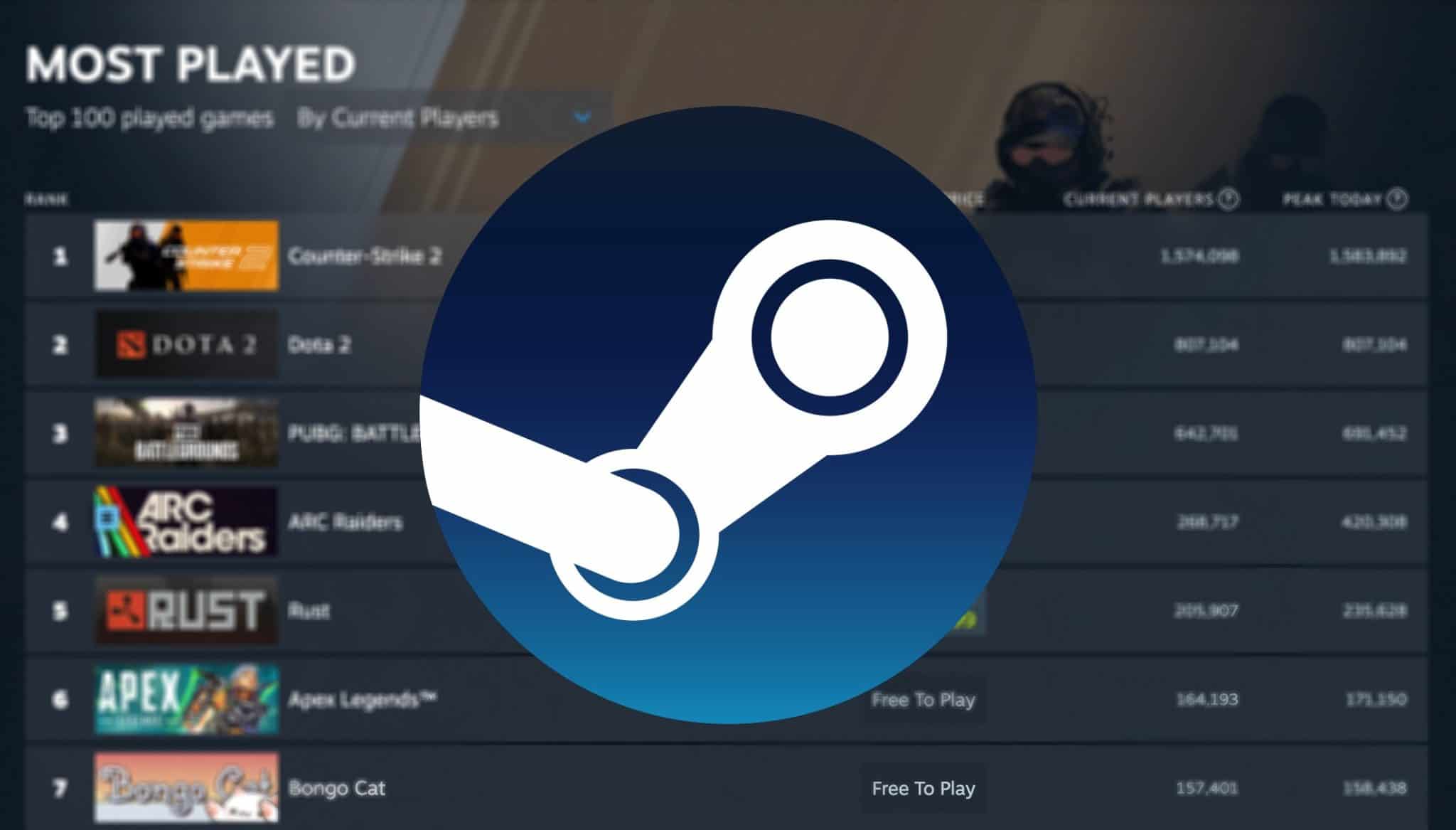
Yes, many popular multiplayer and co-op Steam games run exceptionally well on Mac. For competitive play, Counter-Strike 2 and Dota 2 are highly optimized and widely played. For cooperative experiences, Stardew Valley offers charming farm life with friends, while Terraria provides endless crafting and adventure. Don't Starve Together is a challenging survival co-op, and Valheim runs surprisingly well through Rosetta 2, offering Viking-themed exploration and building. These games are perfect for connecting with friends.
Which Steam games are great for MacBook users with limited gaming time?
For MacBook users with limited gaming time, focus on games with short sessions, clear objectives, or easy save options. Slay the Spire (deck-building roguelike) is perfect for quick runs. Hades offers intense, self-contained runs. Stardew Valley allows you to pick up and play for minutes or hours. Indie puzzle games like Portal 2 or turn-based strategy games like Into the Breach are also excellent, providing satisfying progress without massive time commitments. These titles respect your schedule and deliver instant gratification.
What are the best Steam indie games for MacBook that offer great value?
The Steam indie scene is a goldmine for MacBook gamers seeking great value. Hollow Knight delivers a sprawling, challenging metroidvania experience. Disco Elysium offers an unparalleled narrative RPG with deep choice and consequence. Undertale is a unique RPG with impactful choices and a memorable soundtrack. Celeste provides a heartfelt story and tight platforming. These games offer hundreds of hours of quality content, often at a lower price point than AAA titles, ensuring excellent value for your investment on your MacBook.
Can I play AAA titles like Baldur's Gate 3 or Cyberpunk 2077 on my MacBook via Steam?
Baldur's Gate 3 is officially available and optimized for macOS, running very well on modern Apple Silicon MacBooks, though performance varies by chip generation and settings. Cyberpunk 2077, however, is not natively available on macOS via Steam. For such demanding Windows-only AAA titles, your best bet is often cloud gaming services like NVIDIA GeForce NOW or Xbox Cloud Gaming, which stream the game to your MacBook, bypassing local hardware requirements. This allows you to experience them without a dedicated gaming PC.
How do I find out if a specific Steam game will run on my MacBook model?
To determine if a specific Steam game will run on your MacBook, always check the "System Requirements" section on the game's Steam store page. Look for the macOS icon, the required macOS version, processor type (Intel or Apple Silicon), RAM, and graphics card recommendations. Compare these to your MacBook's specifications (found in About This Mac). Additionally, user reviews and community forums often contain valuable insights from other Mac users about actual performance on various MacBook models, especially for newer titles.
Life moves fast, and for many of us, gaming is a cherished way to unwind, connect, and even challenge ourselves after a long day. If you are an average gamer around 36 years old, likely balancing a career, family, and other commitments, finding the best Steam MacBook games that truly deliver can feel like a quest. You are not alone; an impressive 87% of US gamers play regularly, often dedicating 10+ hours a week to their passion, seeking quality experiences that fit their lifestyle. The good news is, your MacBook is far more capable than some might think, especially with the leaps Apple Silicon has made. This guide is crafted for you – the busy adult gamer who wants solid performance, engaging gameplay, and value for their hard-earned money and precious time, without getting bogged down in hype or endless troubleshooting. We are here to help you navigate the Steam library, uncover hidden gems, optimize your setup, and make every gaming moment count. Let's dive into how you can enjoy the best of Steam on your MacBook, turning potential pain points like performance worries or game selection overload into pure gaming enjoyment. We'll cover everything from setup to social play, ensuring you stay current with trends and find games that truly resonate with your needs this month.
What Makes a Steam Game "Best" for MacBook Users in 2026?
For the discerning MacBook gamer, a "best" Steam game goes beyond mere popularity. It means a title that offers native Apple Silicon (M1, M2, M3 chips) support or performs exceptionally well via Rosetta 2 emulation, ensuring smooth frame rates and minimal battery drain. Performance is key; nobody wants choppy gameplay after a long day. Beyond technical prowess, it needs to deliver engaging content suitable for varying play sessions—whether it is a quick 30-minute escape or a longer deep dive on a weekend. Value for money is also paramount, often meaning a game with high replayability, rich content, or a strong community. We also prioritize games that respect your time, offering clear save points, flexible pacing, and avoiding overly grindy mechanics that can deter a busy player. The best games balance technical optimization with compelling gameplay and genuine enjoyment, fitting seamlessly into your life.
How Can I Optimize My MacBook for the Best Steam Gaming Experience?
Optimizing your MacBook is crucial for getting the most out out of your best Steam MacBook games. First, ensure your macOS is always up-to-date, as Apple frequently releases performance enhancements. Close all unnecessary background applications to free up RAM and CPU cycles; this includes browser tabs, Mail, and other resource-hungry apps. For an even smoother experience, consider using a utility to manage fan speeds, helping to keep temperatures in check during intense sessions. If you have an M-series MacBook, most games will run well, but reducing graphic settings slightly can significantly boost frame rates without sacrificing too much visual fidelity. External displays often demand more processing power, so playing on your MacBook's built-in screen can improve performance. Additionally, ensure you have ample free storage, as full drives can slow down your system. Regularly clearing Steam's download cache can also help prevent minor glitches.
Which Game Genres Perform Best on MacBooks via Steam?
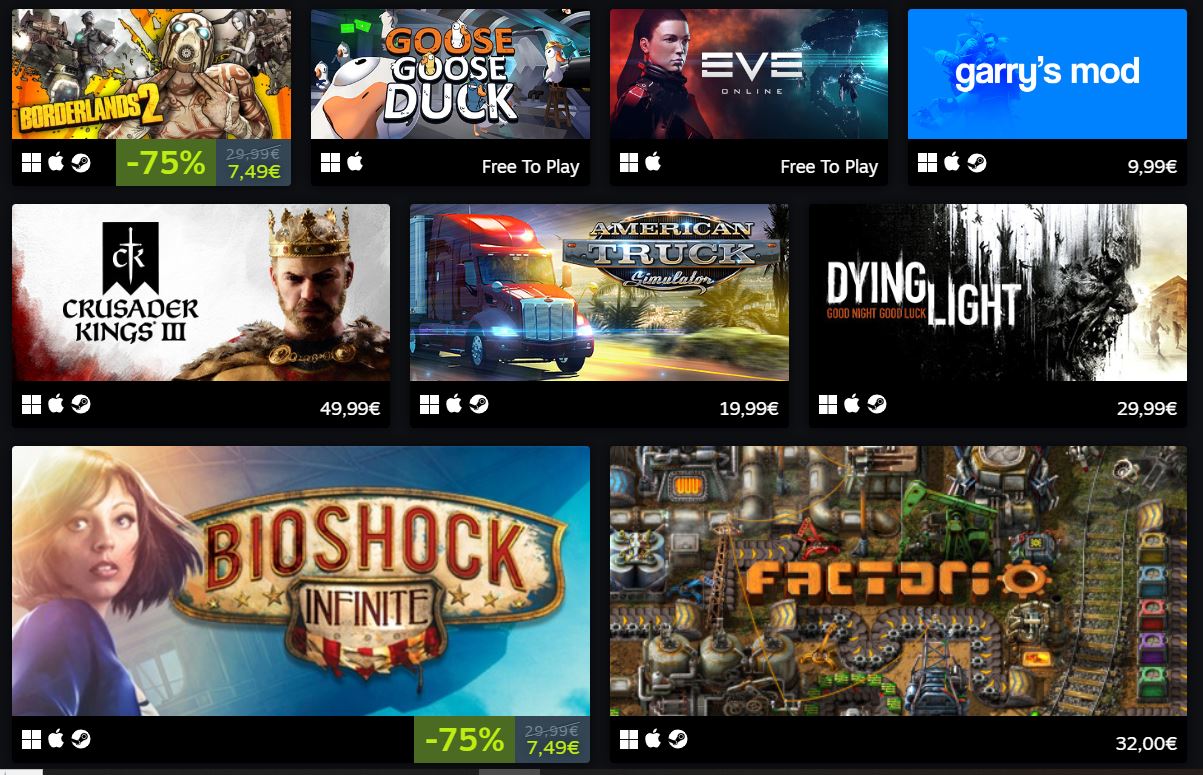
MacBooks generally excel with certain game genres on Steam, especially titles optimized for their hardware. Strategy games (like Civilization VI, Stellaris, or Crusader Kings III), simulation games (such as Cities: Skylines, Two Point Hospital), and puzzle games are often fantastic choices due to their less demanding graphics and reliance on CPU processing. Indie titles across various genres, including platformers (Hollow Knight), adventure games (Disco Elysium), and cozy life sims (Stardew Valley), are also consistently well-optimized for macOS. Many older AAA titles have excellent Mac ports and run beautifully. While modern graphic-intensive AAA action games can be hit or miss, the genres that prioritize thoughtful gameplay over bleeding-edge visuals typically offer the most reliable and enjoyable experiences on Apple Silicon MacBooks.
What are the Top Indie and AAA Best Steam MacBook Games Right Now?
When searching for the best Steam MacBook games, a blend of well-optimized indie darlings and capable AAA titles offers great variety. For indie experiences, look no further than Hades, a critically acclaimed roguelike with stunning art and engaging combat that runs flawlessly on Apple Silicon. Stardew Valley remains a perennial favorite, offering endless charm and relaxation. Disco Elysium provides an unparalleled narrative RPG experience. On the AAA front, Baldur's Gate 3 is a monumental RPG that, while demanding, is officially optimized for macOS and delivers hundreds of hours of content. Civilization VI is a classic strategy game that performs robustly, perfect for a long session. No Man's Sky, after years of updates, offers vast exploration and also runs surprisingly well on modern MacBooks. Always check game store pages for macOS system requirements and recent user reviews to confirm performance on your specific MacBook model.
How Do Apple Silicon Macs Change the Steam Gaming Experience?
Apple Silicon (M1, M2, M3 chips) has fundamentally transformed the Steam gaming experience on MacBooks. These chips, with their unified memory architecture and powerful integrated GPUs, offer significantly better performance and power efficiency compared to older Intel-based Macs. Many developers are now releasing native macOS versions optimized for Apple Silicon, leading to smoother gameplay, higher frame rates, and often cooler operation. Even games without native M-chip support run remarkably well through Apple's Rosetta 2 translation layer, which is surprisingly efficient. This means a wider range of the best Steam MacBook games are now playable, and existing titles perform better, making gaming on a MacBook a much more viable and enjoyable option for the average gamer than it was just a few years ago. This month, new M3 MacBooks continue to push performance boundaries, making them competitive for many titles.
Are There Good Free-to-Play Best Steam MacBook Games?
Absolutely, the Steam library offers a wealth of excellent free-to-play (F2P) options that run well on MacBooks, perfect for gamers looking for value. Dota 2 and Counter-Strike 2 (formerly CS:GO) are immensely popular esports titles with robust Mac versions, offering competitive multiplayer action. Team Fortress 2 provides a more casual, yet highly engaging, team-based shooter experience. For something different, consider Apex Legends, which offers fast-paced battle royale gameplay. Many F2P games also have active communities and consistent updates, ensuring fresh content. These games are fantastic for trying new genres or connecting with friends without an initial investment, allowing you to gauge your interest before potentially spending on other titles or in-game purchases. They embody the social gaming trends many Gen Z and Millennial gamers enjoy.
How Can I Find Social or Co-op Best Steam MacBook Games for Limited Time?
Balancing gaming with a busy life often means prioritizing social and co-op experiences that fit into shorter windows. Steam's robust tagging system is your best friend here. Use filters like "Multiplayer," "Co-op," "Online Co-op," "Local Co-op," or "Casual" to narrow down your search. Games like Stardew Valley (co-op farming), Terraria (adventure sandbox), or even some online card games offer engaging social experiences that can be picked up and put down easily. Titles with clear mission structures or round-based gameplay (like Team Fortress 2 or Rocket League) are also ideal, as you can complete a session without a massive time commitment. Many busy gamers find solace in games that allow them to connect with friends on Discord, fostering skill-building and camaraderie without demanding endless hours, perfectly aligning with current social gaming trends.
What Accessories Enhance My MacBook Steam Gaming Setup?
Enhancing your MacBook Steam gaming setup can significantly improve your experience. A quality external mouse is paramount; trackpads are simply not precise enough for most games. Consider a comfortable gaming headset for clear communication in multiplayer games and immersive audio. An external display, while sometimes impacting performance on older Macs, offers a larger, more immersive view. A USB-C hub can be indispensable for connecting multiple peripherals, including external storage for your game library. For competitive players, a wired internet connection via an Ethernet adapter can reduce lag. Lastly, a cooling pad can help maintain optimal temperatures during extended sessions, preserving your MacBook's longevity and performance. These thoughtful additions can transform your casual setup into a more serious gaming station, addressing potential performance problems and making your time more enjoyable.
How Can I Balance Gaming with My Busy Life Effectively?
Balancing gaming with a busy life is a skill many adult gamers master. The key is mindful scheduling and setting realistic expectations. Treat gaming as a scheduled activity, just like exercise or family time, and communicate your gaming plans to loved ones. Opt for games that offer clear save points, short sessions, or quick matches, so you are not forced to abandon a game mid-progress. Free-to-play options can scratch the gaming itch without financial pressure. Remember that gaming is about relaxation and fun, not another chore. If a game feels like a grind, it might be time for a break or a different title. Social gaming on platforms like Discord allows for connection even when gameplay is brief. This approach allows you to enjoy the benefits of gaming—stress relief, skill-building, social play—without compromising other life responsibilities. It is about integrating gaming harmoniously into your routine.
Should I Consider Cloud Gaming Alongside Steam for My MacBook?
Absolutely, for a busy gamer, cloud gaming services like NVIDIA GeForce NOW or Xbox Cloud Gaming are fantastic complements to your Steam library on MacBook. They address common pain points like hardware limitations and game availability. Cloud gaming allows you to stream graphic-intensive PC titles directly to your MacBook, bypassing the need for powerful local hardware. This means you can play games that might not have a native Mac version or would otherwise struggle to run on your system. It is a budget-friendly way to access a vast library of games without hardware upgrades, perfect for those on a tight budget. While it requires a stable, fast internet connection, cloud gaming significantly expands your playable options, letting you enjoy the latest releases without worrying about system requirements or lengthy downloads. This offers immense value and keeps you current with major titles and trends.
FAQ Section
Are MacBooks good for gaming on Steam in 2026?
Yes, modern MacBooks, especially those with Apple Silicon chips (M1, M2, M3), are increasingly capable gaming machines for Steam. Performance has significantly improved, allowing many popular titles to run smoothly, making them a viable option for many gamers.
What's the best way to install Steam games on a MacBook?
Simply download the Steam client from store.steampowered.com, install it, log in, and then purchase or download games from the Steam store. They will automatically install to your Applications folder or a designated Steam Library folder.
Do all Steam games run on macOS?
No, not all Steam games are compatible with macOS. You must check the game's system requirements on its Steam store page for the macOS icon and listed compatibility before purchasing. Many popular titles do have Mac versions.
Can I use a controller with Steam games on my MacBook?
Yes, most popular controllers, including Xbox and PlayStation controllers, can be easily connected to your MacBook via Bluetooth or USB. Steam has excellent controller support built in, allowing for a console-like gaming experience.
Will playing Steam games hurt my MacBook's battery life?
Gaming is a demanding task that consumes more battery power than general use. While Apple Silicon Macs are efficient, expect reduced battery life during intense gaming sessions. For longer play, it's advisable to plug in your MacBook.
How do I check if a Steam game supports Apple Silicon natively?
Check the game's system requirements on its Steam store page. Look for specific mention of Apple Silicon (ARM64) or macOS versions post-2020. If not natively supported, it will likely run via Rosetta 2 emulation, which is often very good.
What are some 'cozy' or 'relaxing' Steam games for Mac?
Stardew Valley, Spiritfarer, Cities: Skylines, and Unpacking are excellent examples of cozy and relaxing Steam games that run well on Mac, perfect for unwinding after a busy day.
In conclusion, the world of the best Steam MacBook games is more vibrant and accessible than ever for the modern gamer. With the power of Apple Silicon, a vast library of titles, and a few smart optimization tricks, your MacBook can be a fantastic platform for relaxation, fun, and connection. We have explored how to select games that fit your lifestyle, optimize performance, and even expand your horizons with cloud gaming. Remember, gaming should be an enjoyable escape, not a source of frustration. By focusing on well-optimized titles and mindful play, you can seamlessly integrate gaming into your busy life, enhancing your well-being and social connections. What's your biggest gaming challenge on MacBook? Comment below and let's conquer it together!
Optimized Steam games for Apple Silicon MacBooks; Performance tips for smooth gameplay; Diverse game genres for every busy gamer; Balancing gaming with real-life commitments; Budget-friendly Steam game recommendations.
35



Best Mac Games For 2026 GAMES GG Medium Best Mac Games For 2026 0cf19d049c . The 20 Best Steam Games For Mac To Play In 2026 1824cr953 . List Of Games Available On MAC OS In 2026 MAC Games On Steam 518cr270 . The Best Survival Games On Steam According To Users Cheat Code Central Most Played Games Steam 2026 2048x1167 . Best Laptops For Steam Games In 2026 Latest Models WhalesDev Steam 2025



Top 10 Best Steam Games For Mac 2026 YouTube . Best Steam Games On Mac Steam Games On Mac . Best Steam Games On Mac Steambase. One Stop Shop How To Add Non Steam Games To Your Steam Library The Absolute Best Steam Games For 2026 Vg5m.640 . Steam Machine S 2026 Release Still Certain Says Valve GameSpot 4631581
Best Steam Games 2025 Top Picks For Gamers Interaction Design Org . Steam Sale Dates 2026 When Is The Next Steam Sale. How To Switch Mac To Windows Robots Net How To Play Windows Steam Games On Mac 1693978261 . 5 Best Games To Play On Your New M3 Mac . Best Indie Multiplayer Games On Steam 2026 Edition LRDev Games 1.Best RPG Games On Steam Complete Guide.webp



Profile Of Yoru Chainsaw Man Member Of The Four Horsemen Game Terbaik Mac.webp. Best FREE Mac Games On Steam Part 2 YouTube . MacOS Tahoe 26 Makes The Mac More Capable Productive And Intelligent Apple WWDC25 MacOS Tahoe 26 Gaming Assassins Creed Shadows 250609 Big .large 2x . The All Time Best Steam Games To Play On Mac In 2026 Native CrossOver . Best Games On Steam A Selection Of Top Titles On The Platform Best Steam Games 768x430




Best Games On Steam April 2026 Wasdland Com Page 378 Share. Steam Games You Absolutely Need To Play . Best 5 Steam Games To Play On A Mac Stardew Valley On Mac 1536x1024 . Some Of The Top Ranked Mac Steam Games By User And Year Some Of The Top Ranked Mac Steam Games By User V0 . Best PC Games On Steam Top Picks You Must Play My Top 15 Most Played Pc Games On Steam Whats Yours And Is V0



8 Best Steam Game Deals March 2026 Buying Guides Best Steam Game Deals 1024x559 . Best Steam Games For Mac 2025 Top Picks To Play Now No Mans Sky Game.webp. The Best Steam Games 2024 Kartal 24 Best Steam Games 812x609 . Top Games On Steam 2022 Kh M Ph Nh Ng T A Game H P D N Nh T . 10 Best Games For Mac On Steam Spoonyo Best Games For Mac On Steam 300x200


Best Handheld Gaming Consoles In 2026 Including Nintendo Switch Steam Macbook Ultra . Best Multiplayer Mac Games On Steam Lsmertq Top 20 Games For Mac Banner1 . Best Mac Games 2026 A List Games To Play On Your Mac Macworld Best Mac Games 2026 Macworld . Best Mac Games On Steam 2026 Level And League Games Worth Playing Resident Evil 7 Screenshot . The 20 Best Mac Games On Steam Right Now Mac Gamer HQ Baldurs Gate 3 Mac Gameplay 1024x576